
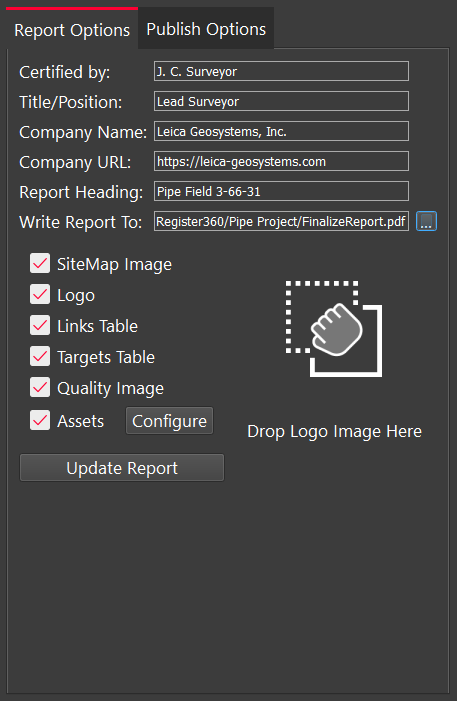
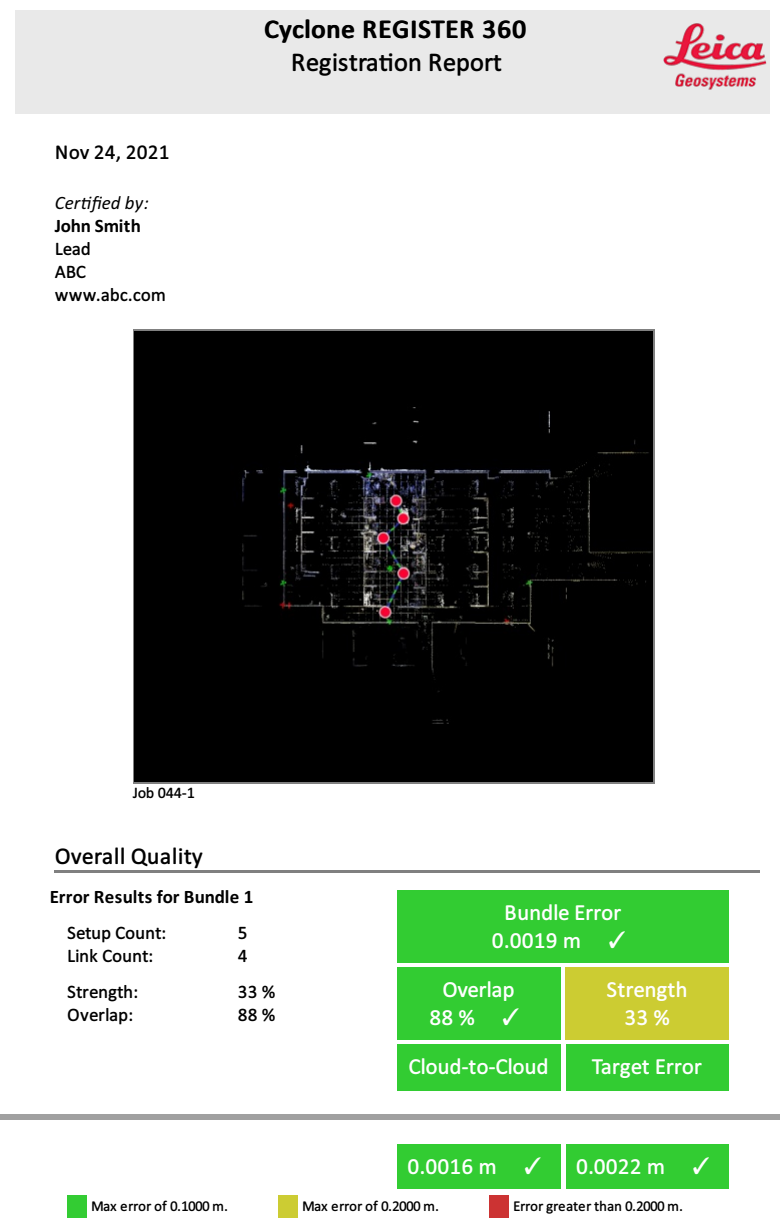
Users can customize their reports by adding a name, title, and company information. It is possible to drag and drop to add a company logo to the report. Also, users can toggle items on and off by using the check boxes.
Report Heading
The user can give a custom name for the report.
Write Report To
The Write Report To option allows the user to specify where to save a PDF report.
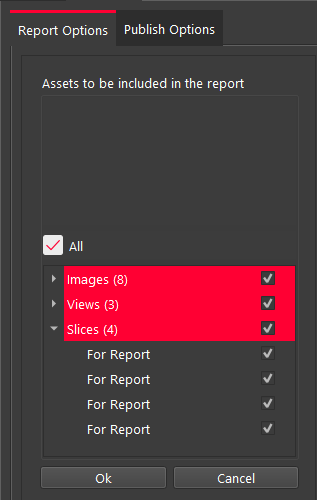
Configure
The user can use this button to customize which assets (images) are included in the report.
Update Report
This button will refresh the on-screen report to allow the user to preview the changes.