
-
The BLK 360 can be controlled using the FIELD 360 app wi-fi connection.
-
The scans can then be downloaded from the tablet or directly from the scanner.
-
Any work done on FIELD 360, like e.g. pre-registering & creating bundles will be synched back to the BLK360. Importing from BLK360 will have the updated information.
-
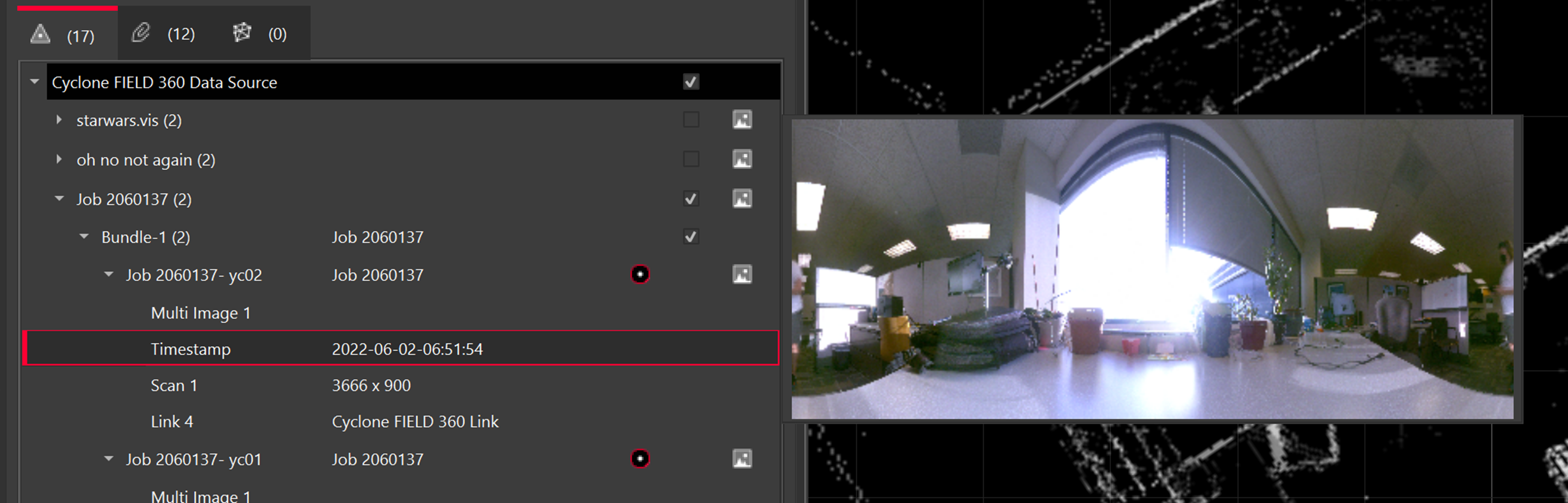
Thumbnails are supported.
-
Open Cyclone REGISTER 360 PLUS Standard or Cyclone REGISTER 360 PLUS (BLK Edition) and create a project.
-
Connect your tablet and computer to the same network.
-
On the Tablet, select the i icon in the top right and select.
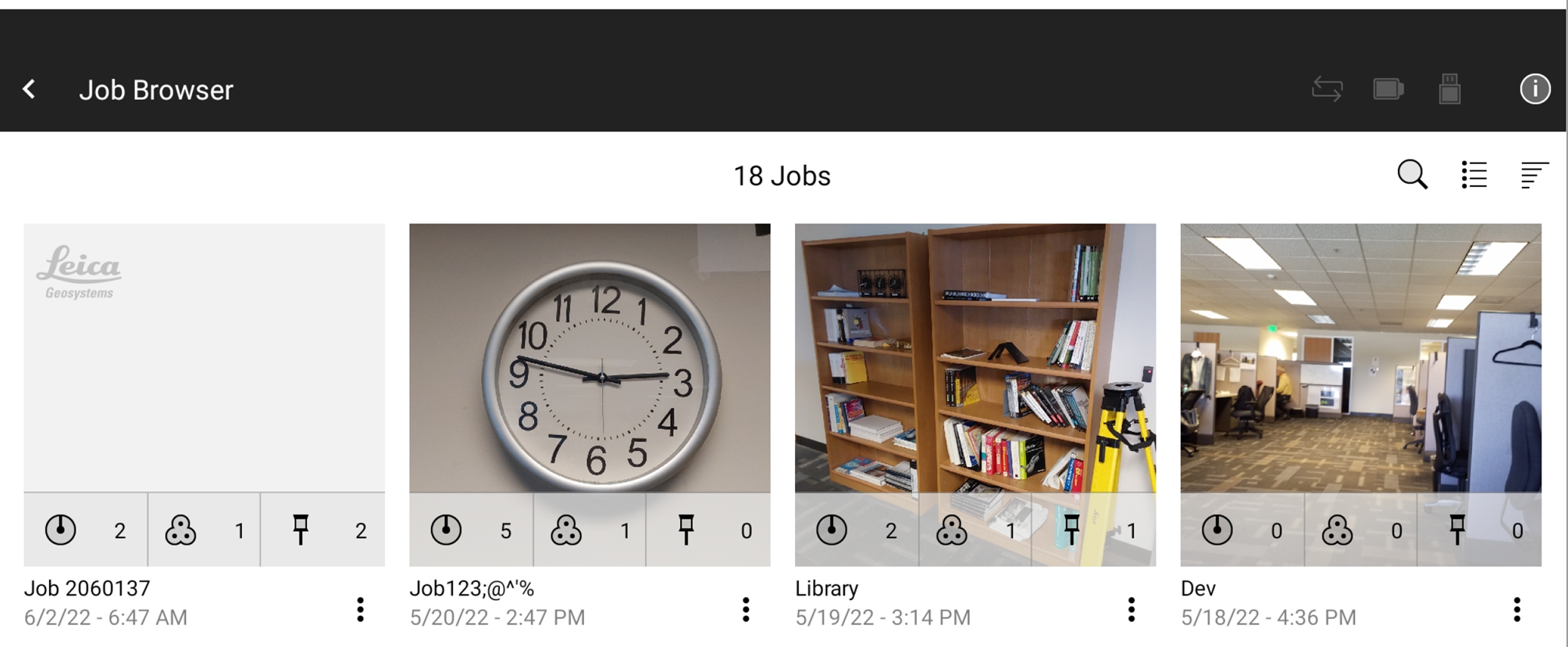
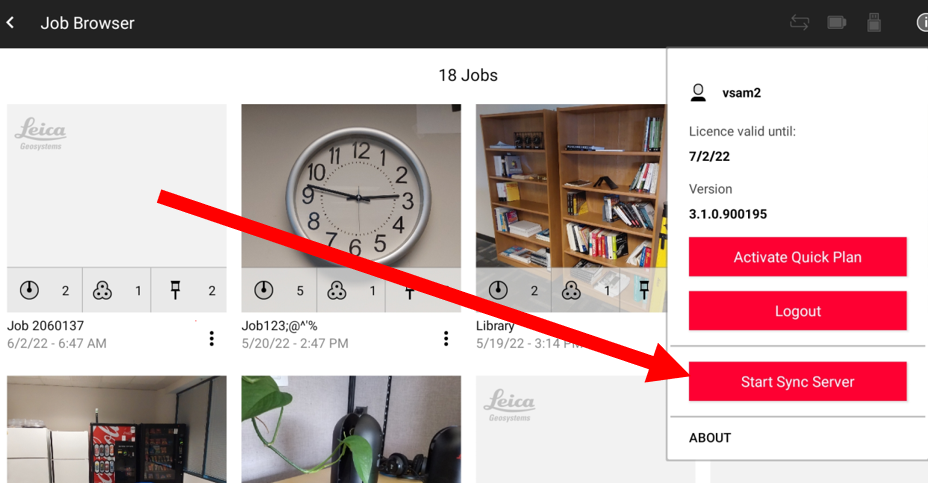
-
Get the IP address and Port from the tablet.
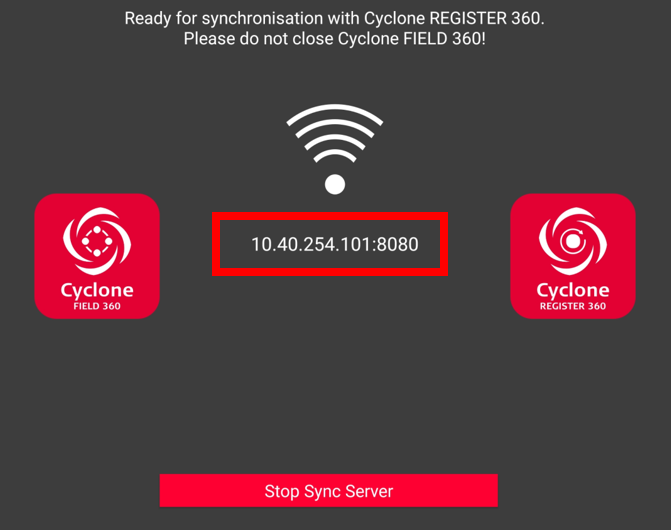
-
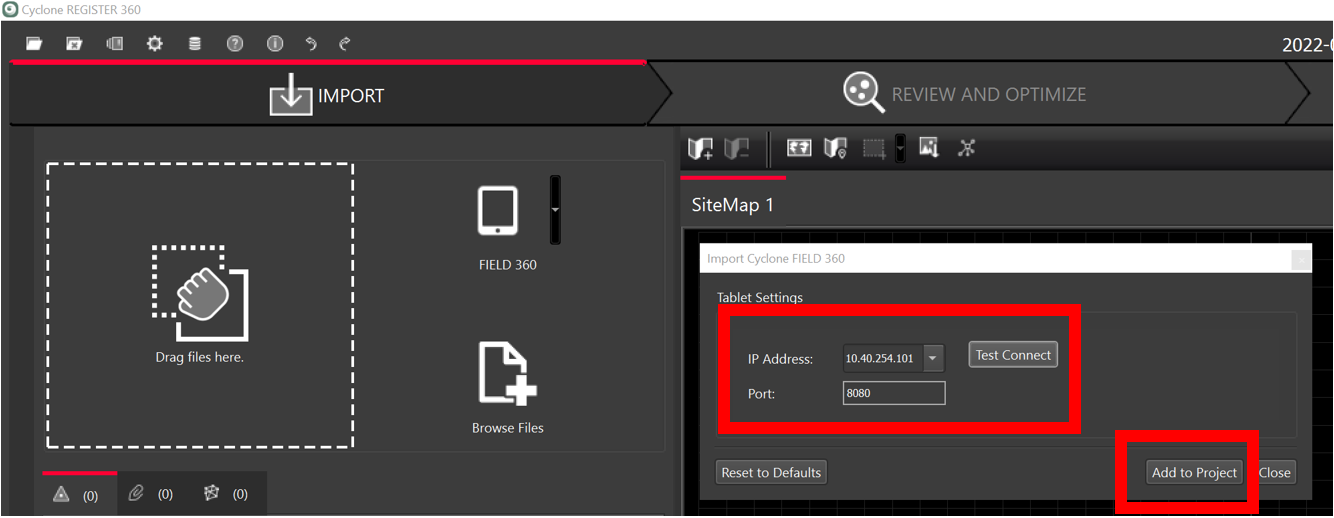
From the dropdown in the import area, select FIELD 360.
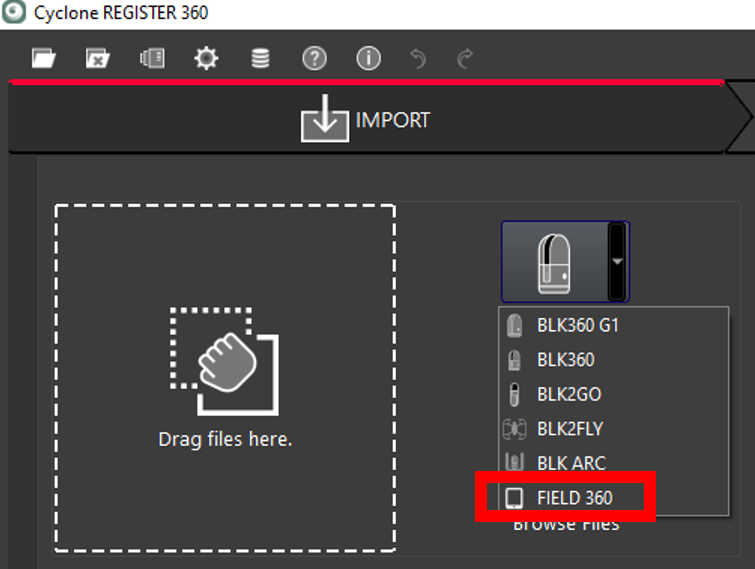
-
Check the IP address and Port from the Tablet and select Test Connect and Add to Project.
-
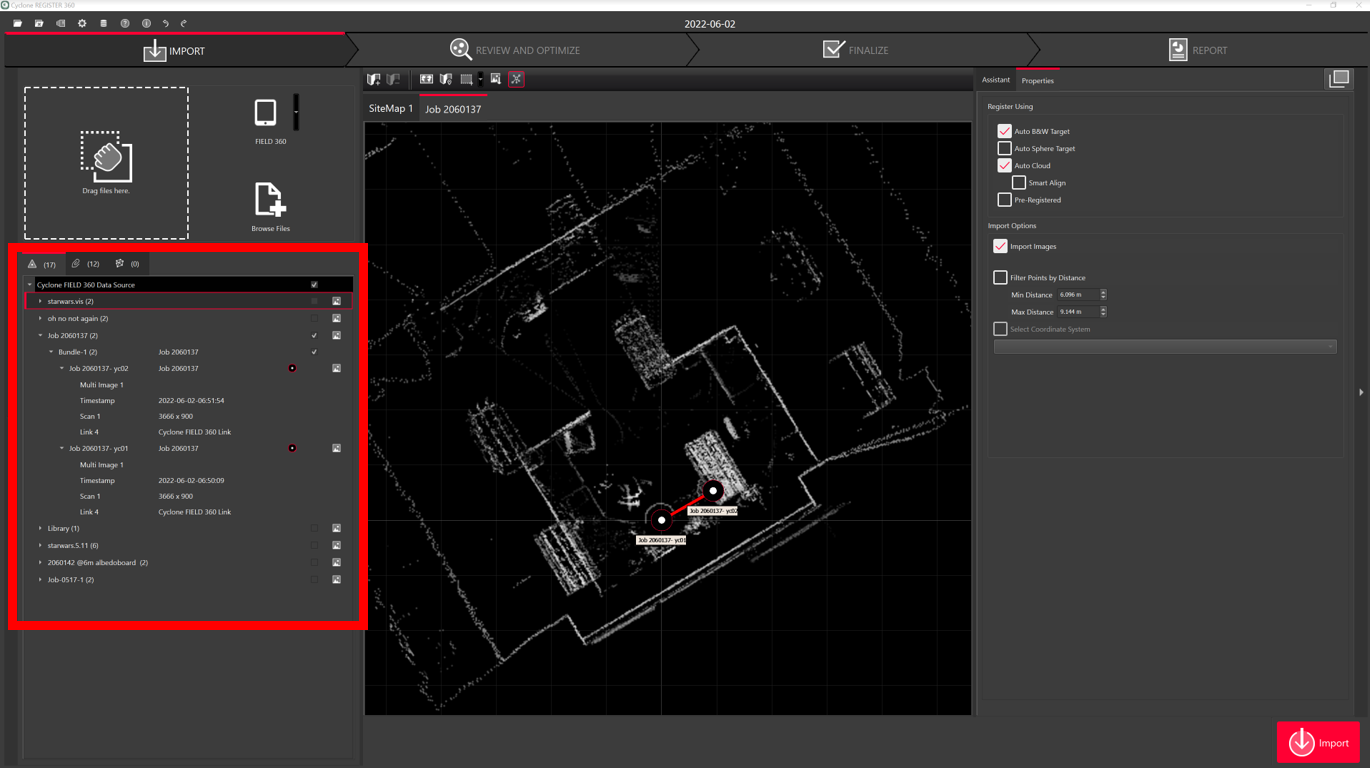
Select the scans you want to import.
-
Note when connecting to Cyclone FIELD 360, there are LWPO’s and preview images.
-
-
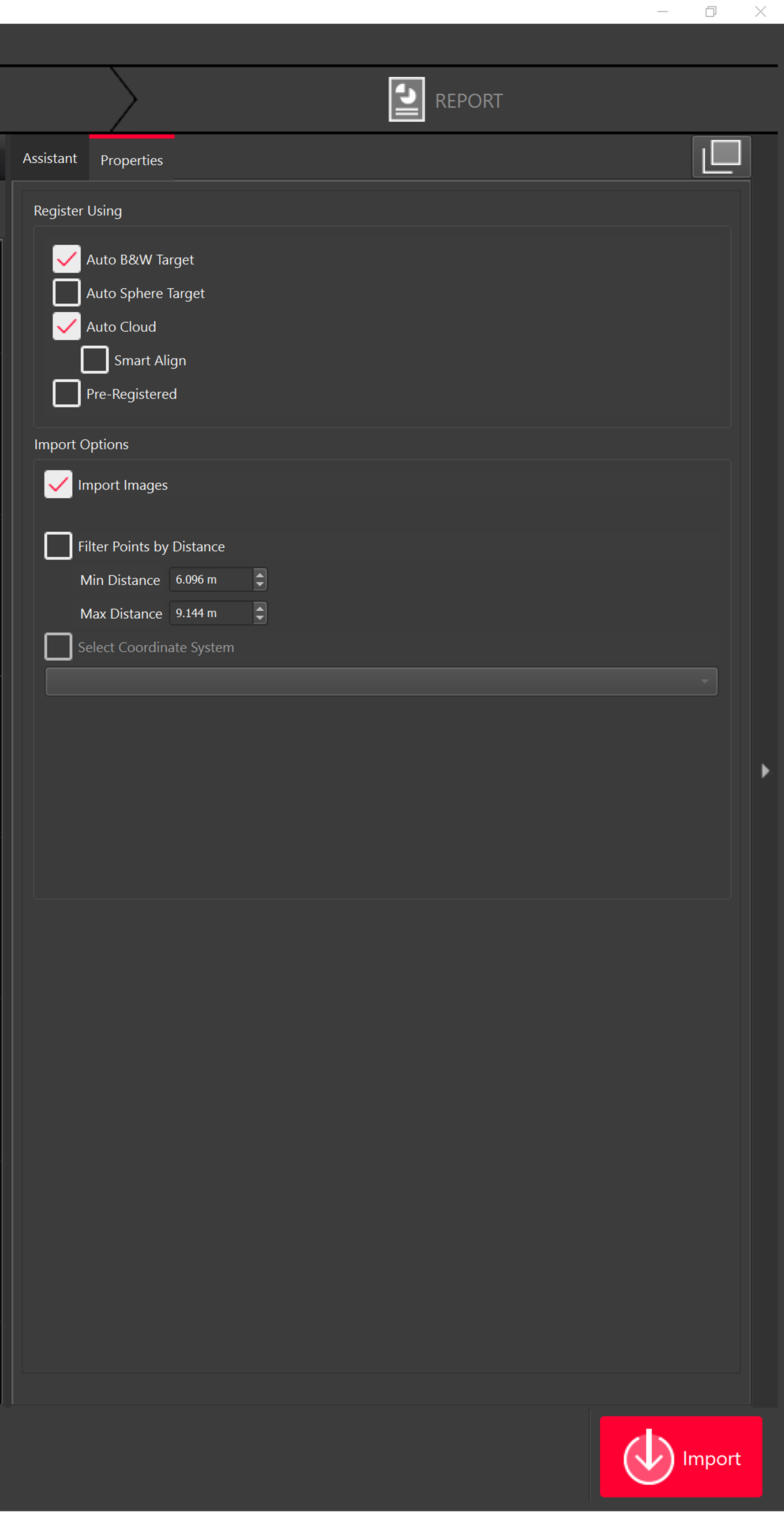
Select import settings and import scans.
-
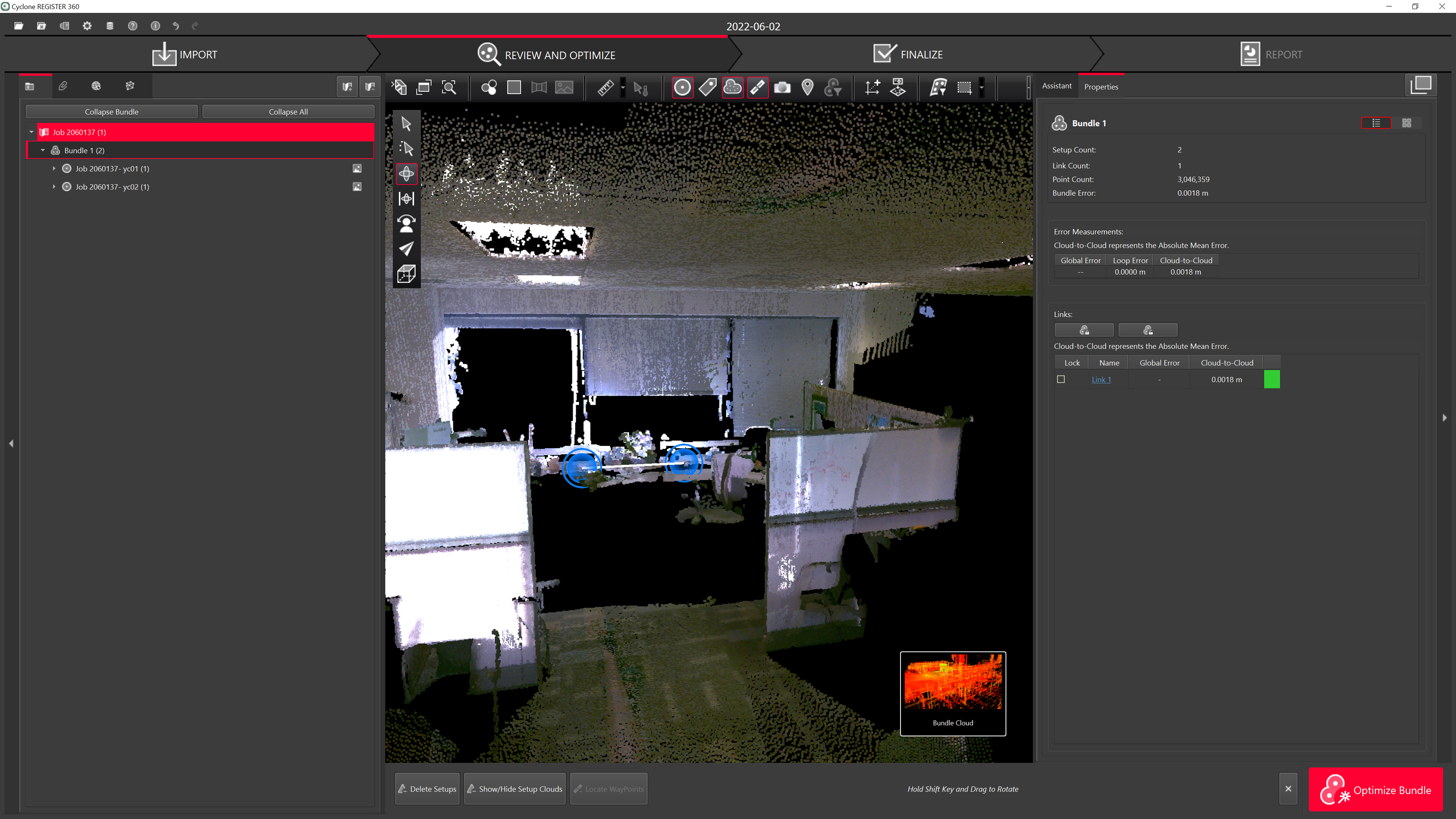
The scans will then be imported.
-