Users can merge the contents of one project into another. This feature will save time and will help with the need to combine projects over the lifecycle of a job.
When Merging projects, the project that is being merged will only merge the current version. Make sure the project has the desired version active BEFORE merging.
Workflow:
-
Open Projects & Storage.
-
Select a project to merge to first.
-
Then Click the Merge button.
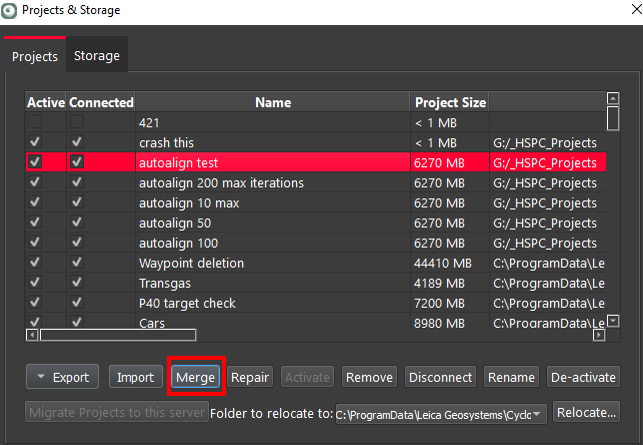
4. A Merge dialog will appear.
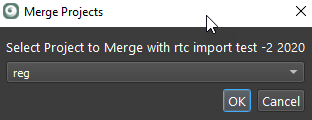
5. Select the project to Merge with the selected project.
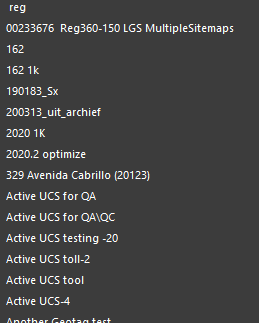
6. The Merge process will begin.
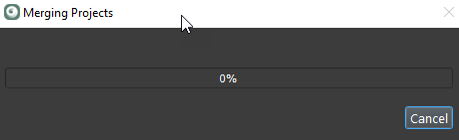
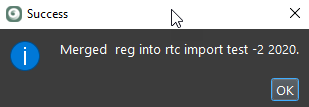
7. Merge complete.