Point clouds as text can also be imported in a wide variety of formats.
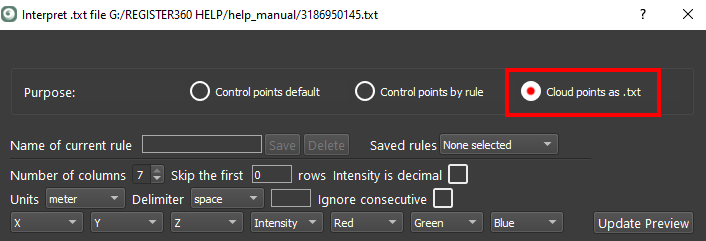
Select Cloud points as .txt
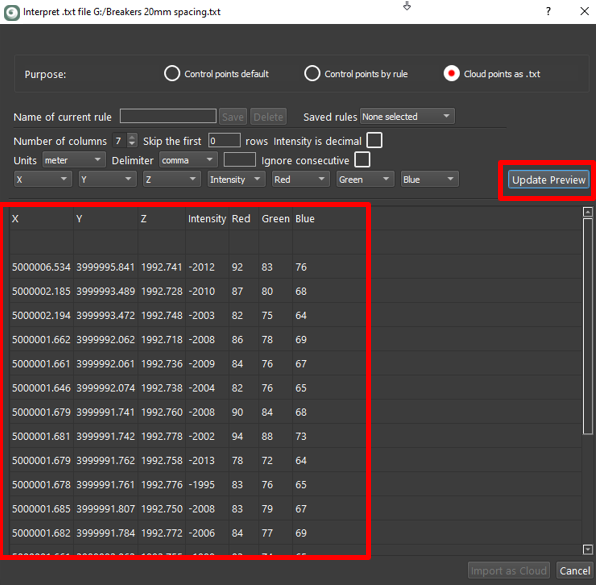
Select the correct designation for each column:
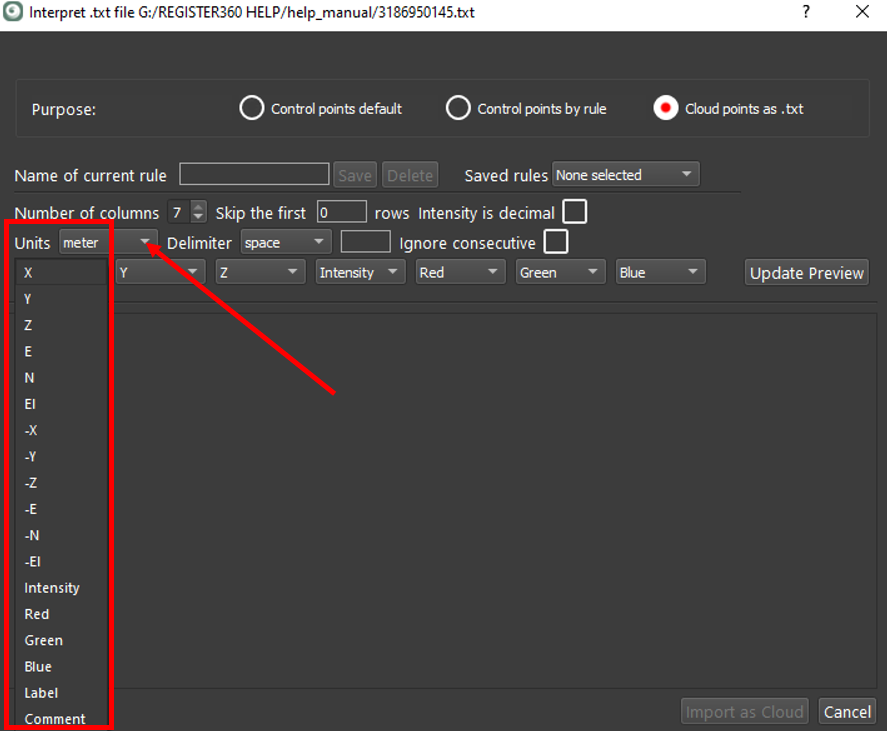
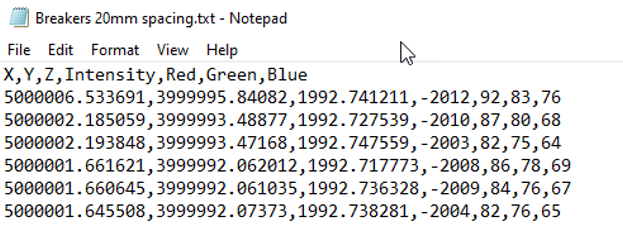
In the case it is x,y,z,intensity,r,g,b:
Select the Units, Delimiter and other optional settings.
Click the Update Preview button to verify the selected results before import:
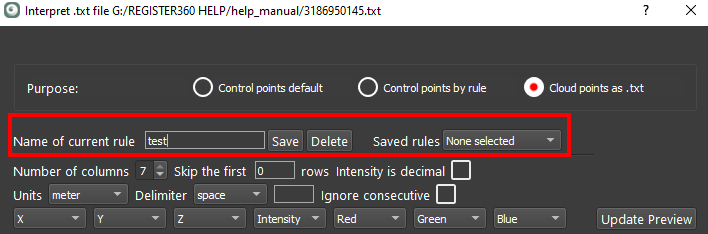
Once verified, name and then save a rule:
The Import as Cloud button will enable. Click the Import as Cloud button to finish the process.
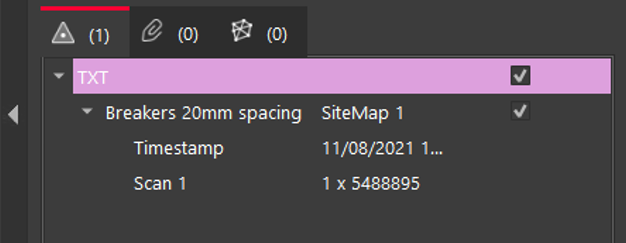
The TXT file will be added to the Import area as a point source in the left side panel: