
When importing BLK files there is an optional Filter Level Check box.

If filtering is not used the point cloud will not be filtered, every point will be imported.
With the box checked, the filter will remove points to leave High or Low-density point clouds based on a 2cm (high density) or 4cm (low density) cube.
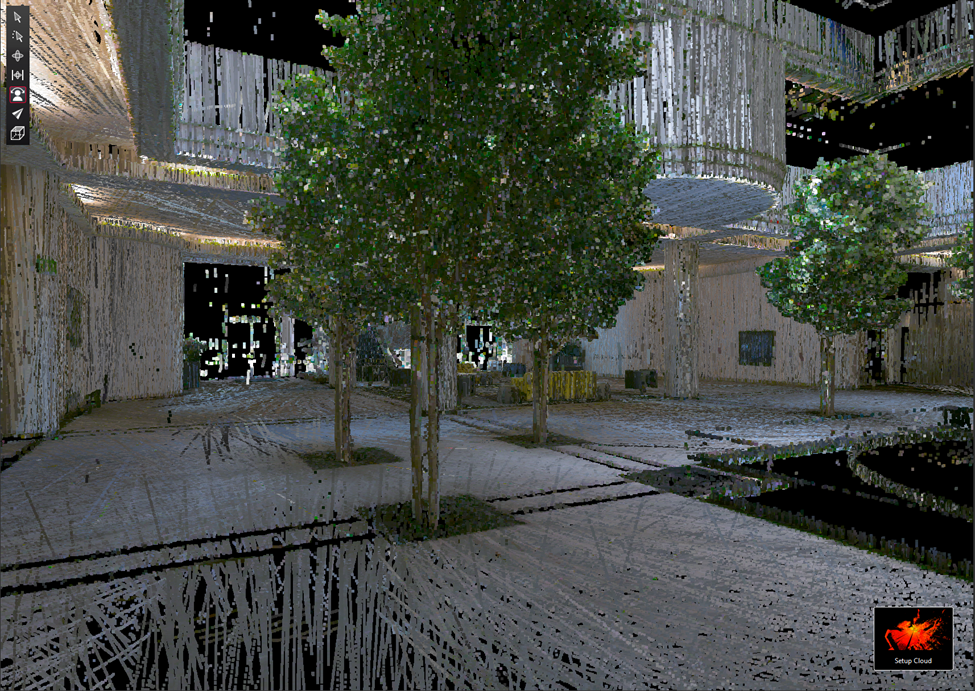
Filter Level unchecked 47,662,116 points
Filter Level: Point Density High
With the Filter Level set to Point Density High, it will remove all but a single point nearest the center of each 2cm cube.
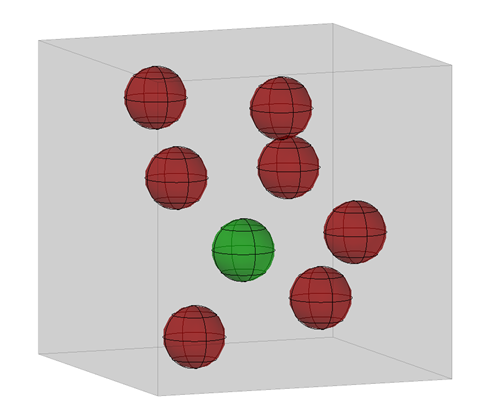
2cm cube
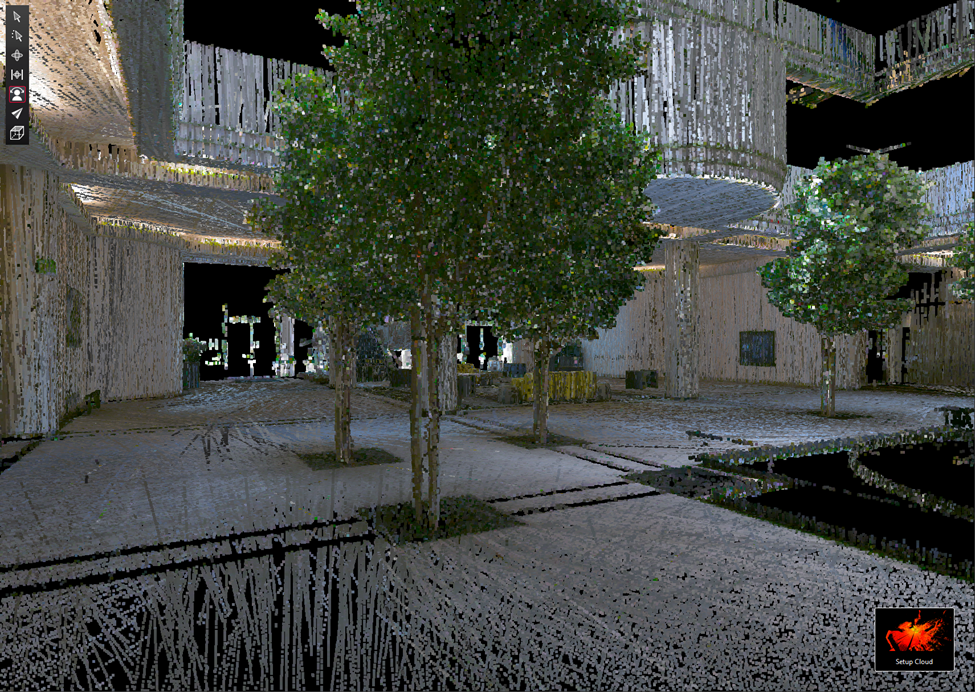
Filter Level Point Density High 9,524,630 points
Filter Level Point Density Low
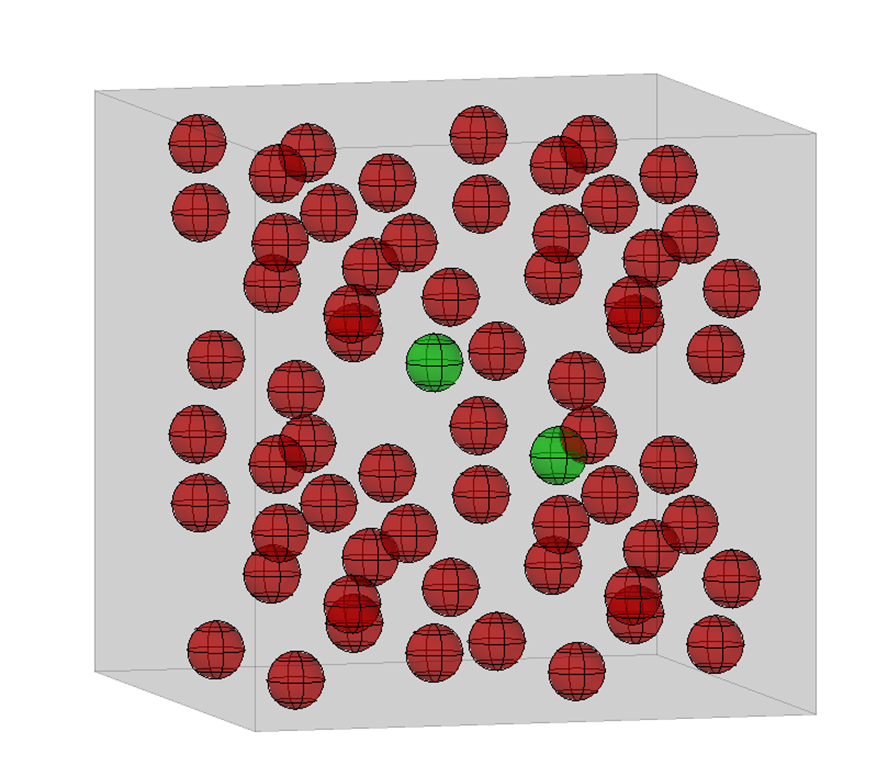
4cm cube
With the Filter Level set to Point Density Low, it will remove all but the 2 points closest to the center of each 4cm cube.
Since Volume = Length * Width * Height, a 4cm cube will have 8 times the volume of a 2cm cube so Point Density Low will have about 4 times fewer points than High Density. Some cubes may have only one point, in that case, no points will be removed.
The reduction using voxelization removes points, it does not move points to make an evenly distributed point cloud.
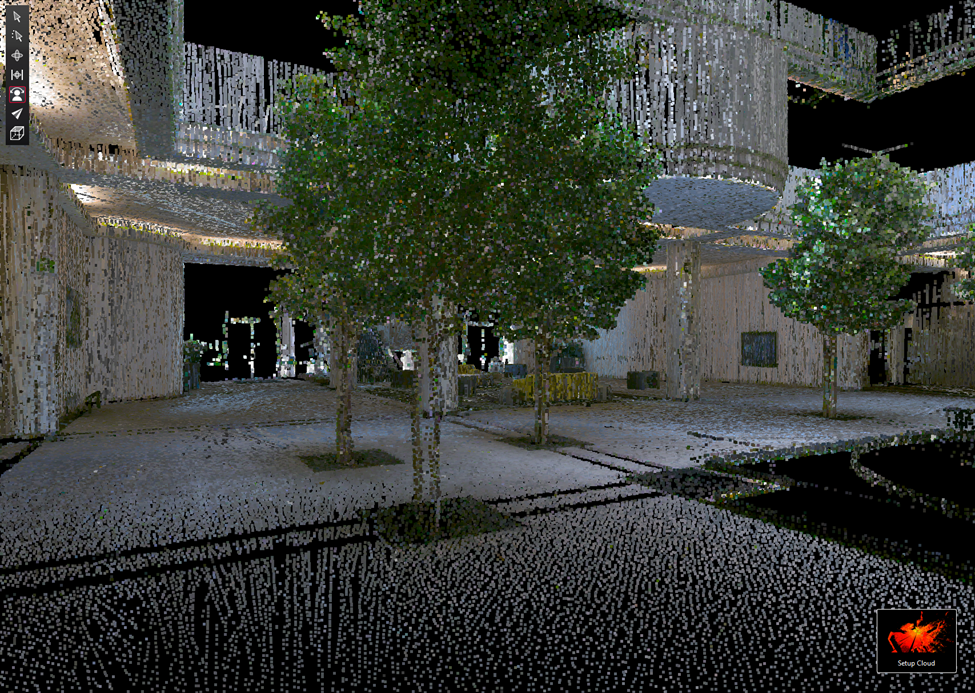
Filter Level Point Density Low 2,559,953 points