Open the file BestFitOnRef.3dr.
Show only the cloud Aligned Dam. Launch the command Planar Contour.
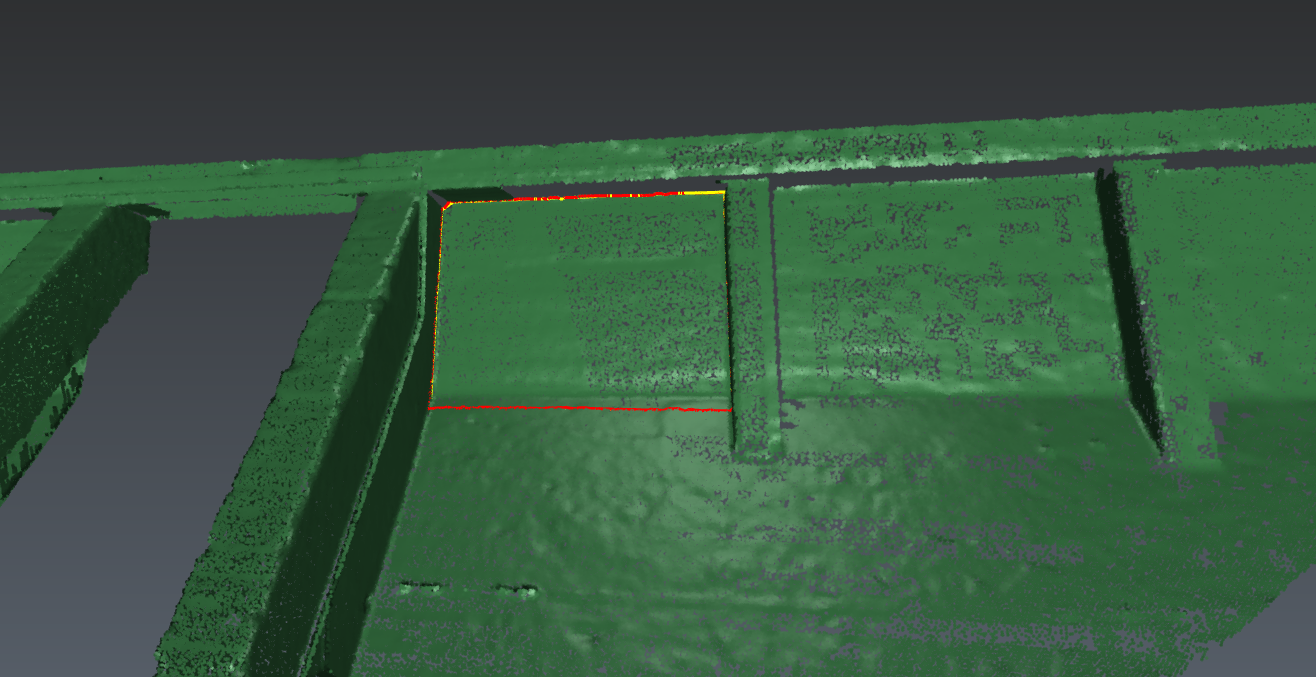
Click on one point on the cloud inside the face to extract (see image below). The software will automatically try to find the plane around the clicked point. Click Preview: the software identifies its contours: a yellow polyline which is planar. Optionally, you can create the corresponding 3d contour in red (this polyline goes through the real points of the cloud).