Autocad Pro revit ultimate
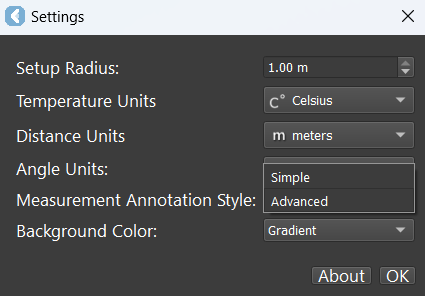
The Measurement Annotation Style setting allows users to change the style of measurement annotations. There are two annotation styles: Simple and Advanced.
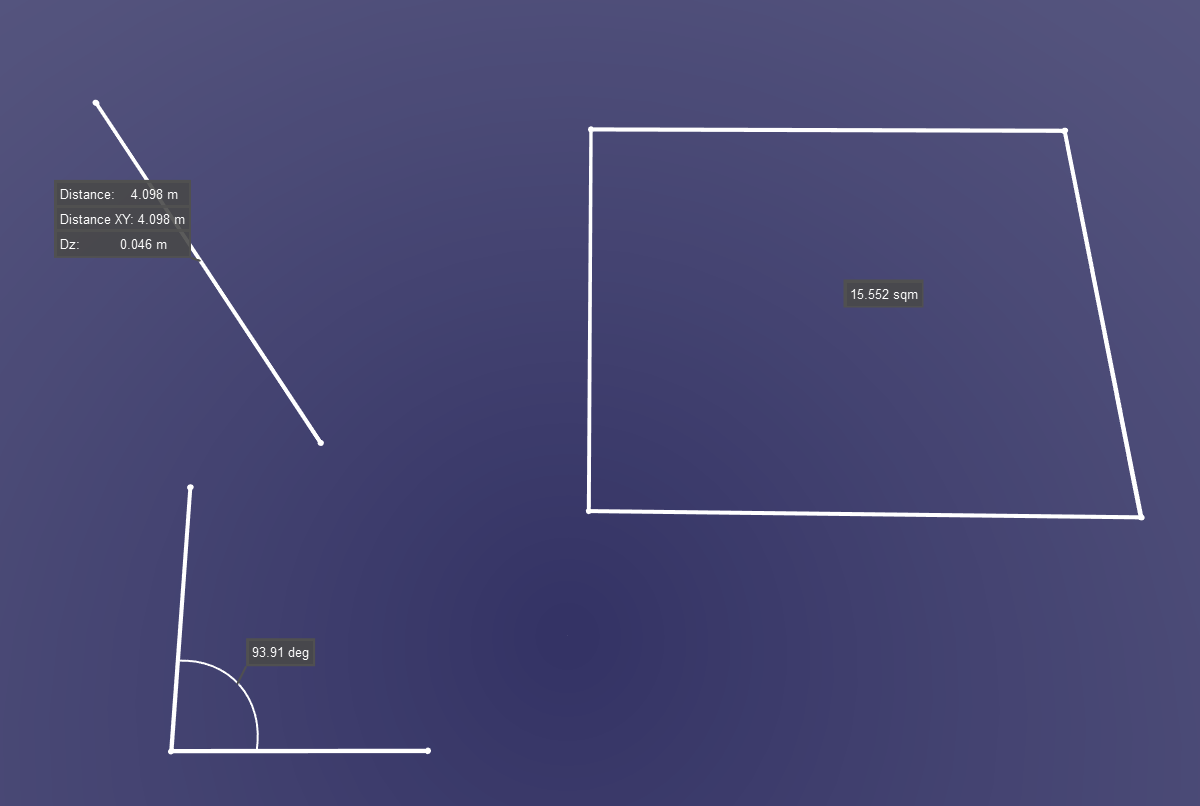
Simple
Simple measurements will only show a single label based on the measurement type.
-
Measure distance: The Distance, Distance XY, and Dz labels will be displayed.
-
Measure Angle: Angle measurement will be displayed.
-
Measure Area: Area measurement will be displayed.
-
Measure Temperature: Temperature measurement will be displayed.
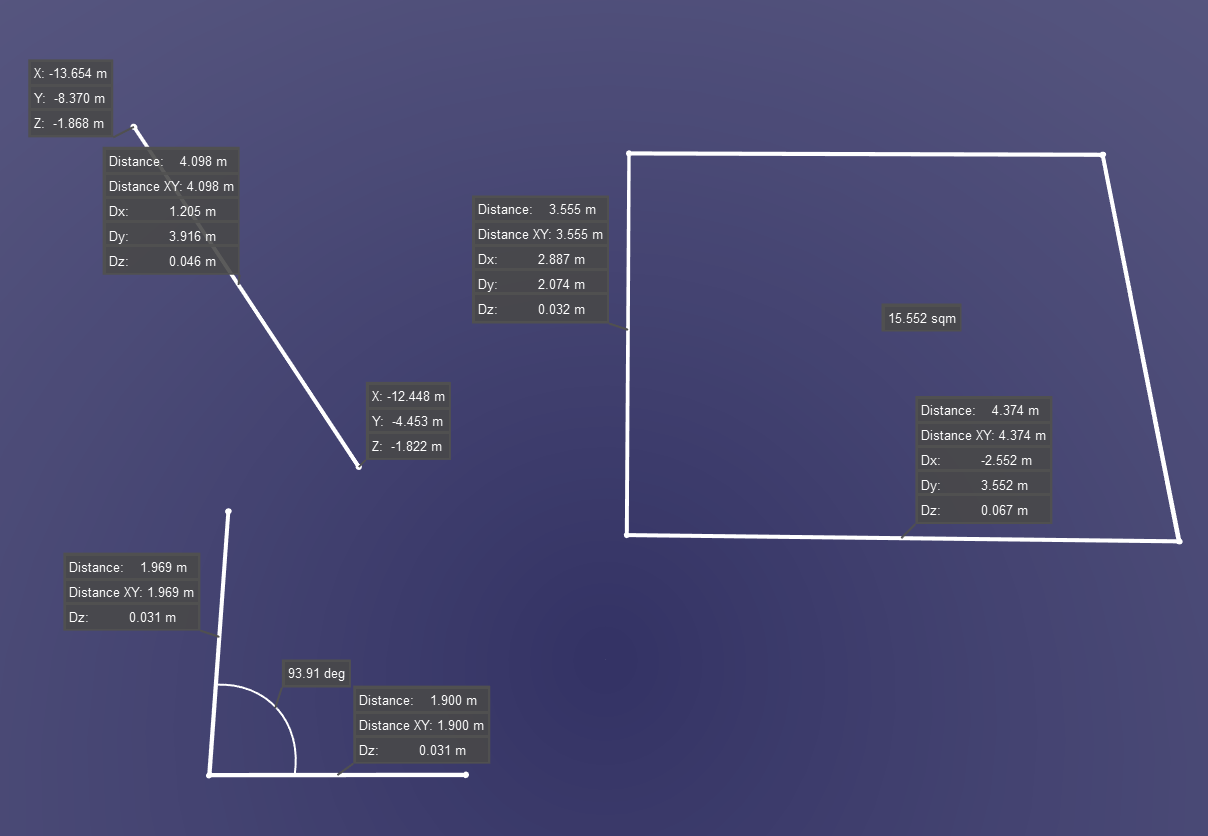
Advanced
Advanced measurements will show labels, including start and end points, as well as distance along the axis for area and angle measurements.
-
Measure distance: The Distance, Distance XY, and Dz labels will be displayed and XYZ for the start and endpoint node will be displayed.
-
Measure Angle: Angle measurement, Distance, Distance XY, and Dz for each axis will be displayed.
-
Measure Area: Area measurement, Distance, Distance XY, and Dz for each axis will be displayed.
-
Measure Temperature: Temperature measurement will be displayed.