
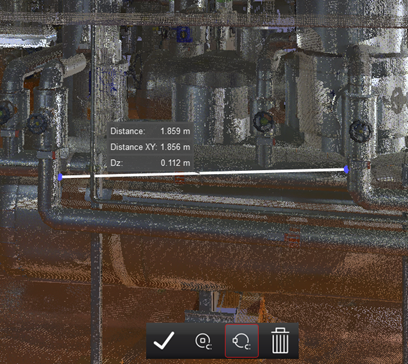
The Measure Distance tool allows the user to measure between two pick points on the point cloud. The distance measurement will be displayed in the measurement units defined in the viewer settings.
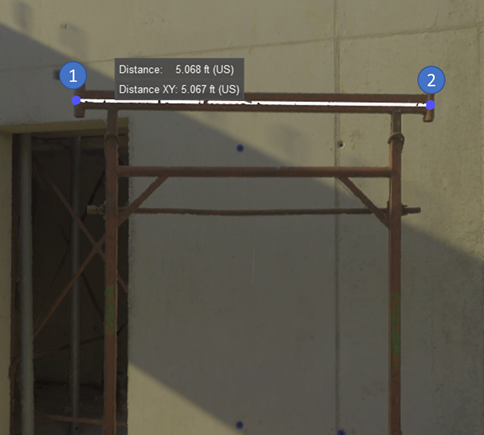
Mouse Control: In the Measure Distance mode, simply click to pick the initial measure point, then click on another location to set the endpoint.
Pipe Snapping
The distance measuring tool has two snapping options that allow for snapping to a pipe centerline or the edge of a pipe. These snapping options can be toggled on or off at any time while measuring. The tool will automatically snap to the pipe centerline or edge while measuring. If the tool is unable to detect a pipe, it will display an error message.
Pipe Centerline

This tool will automatically detect the centerline of the pipe and snap to it. The tool will snap to the closest edge of the pipe to the other endpoint of the measurement. The snapped point will adjust after the second mouse click.
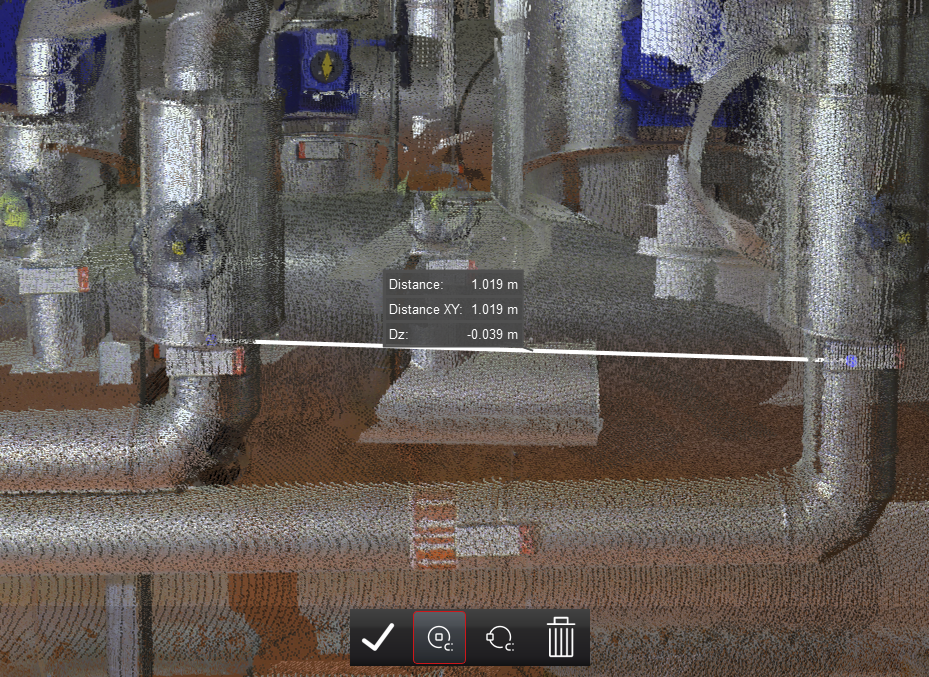
Hotkey: C
Pipe Edge
This tool will automatically detect the edge of the pipe and snap to it.
Hotkey: B