
Autocad Pro Revit ultimate
The directional Ortho View tools enable users to easily navigate to ortho views, providing simple navigation and orientation support.
Mouse Control: Click the Ortho Views button 

Top View: Shift + T
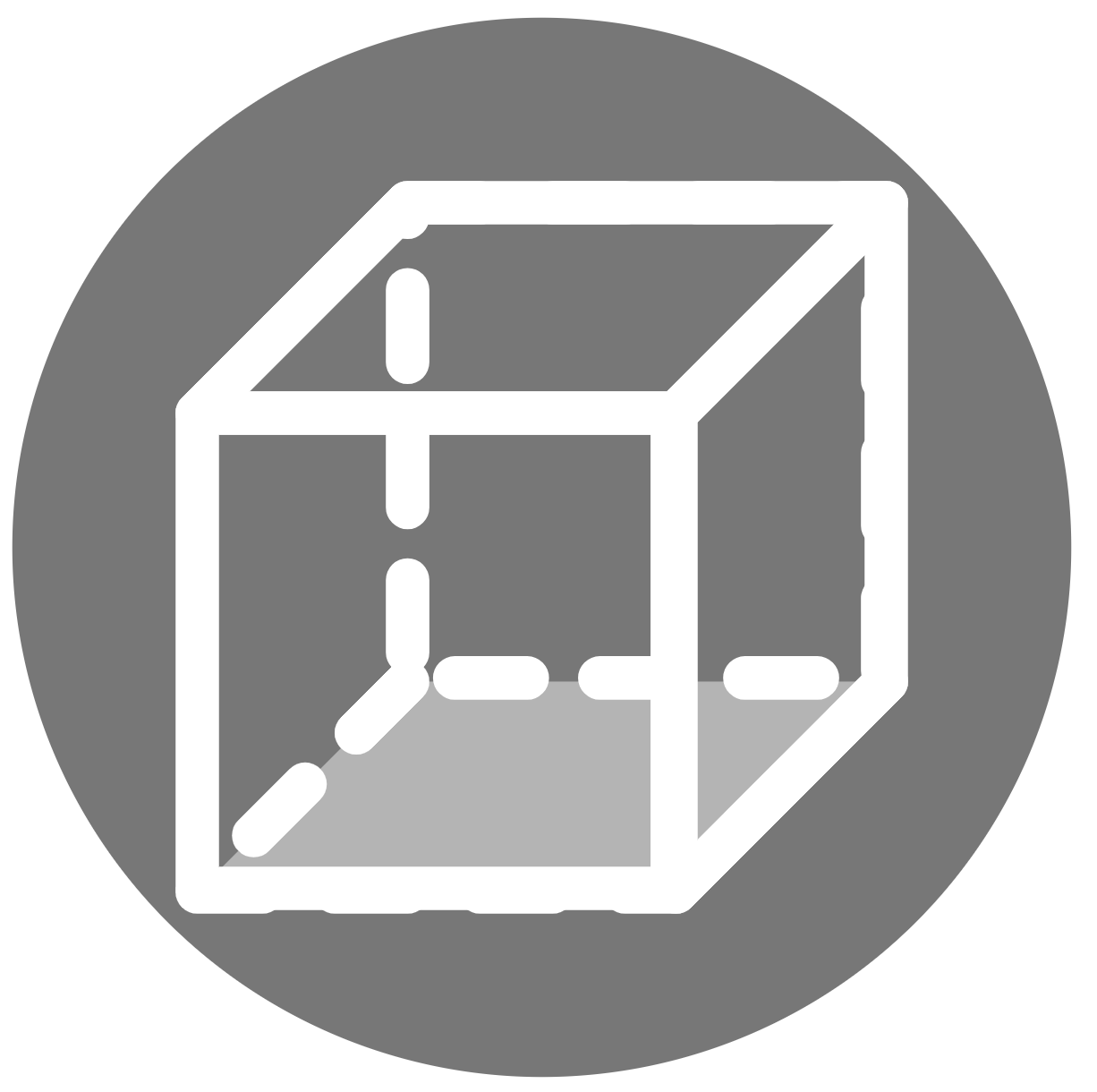
Down View: Shift + D

Left View: Shift + L

Right View: Shift + R

Front View: Shift + F
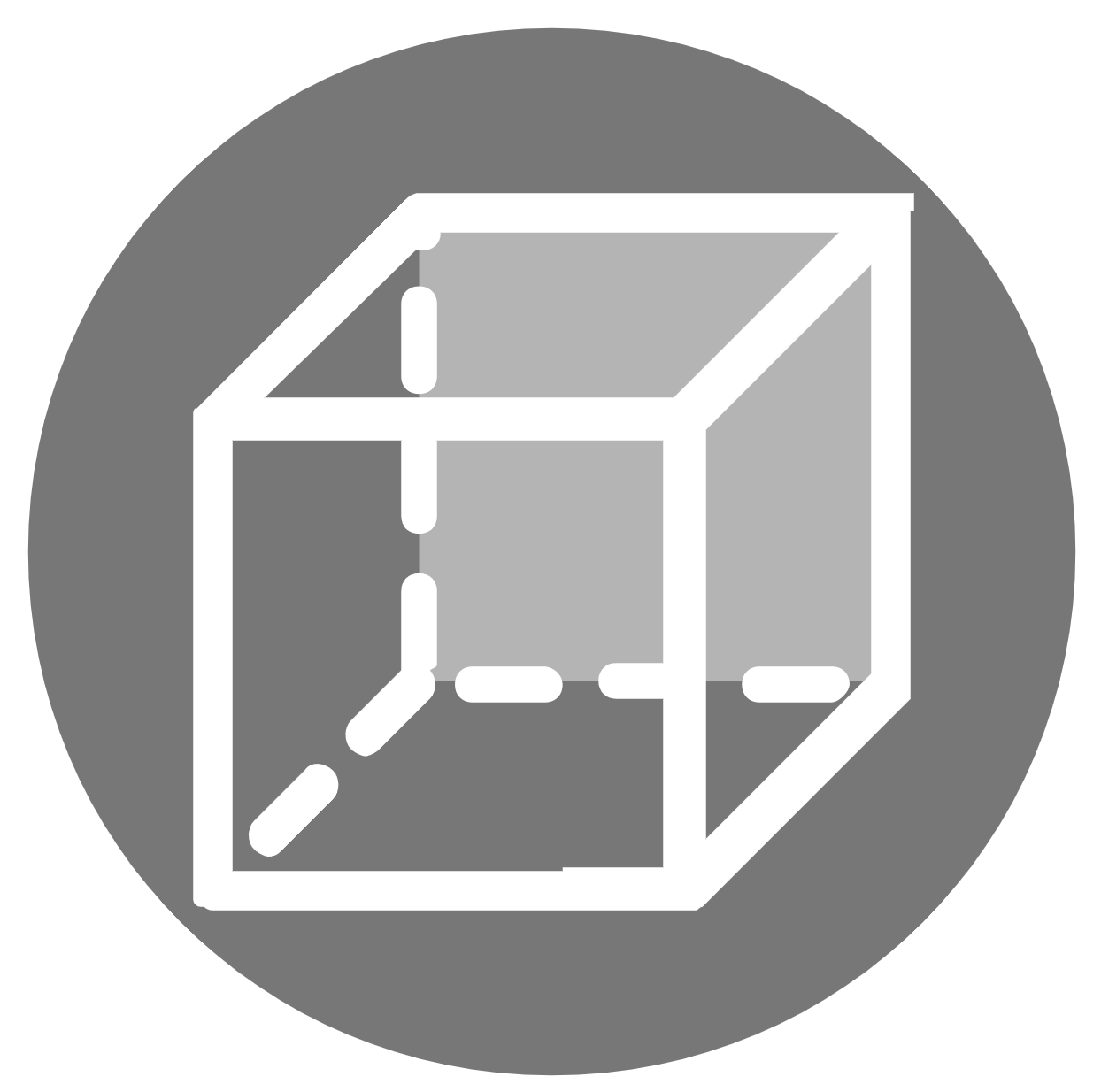
Back View: Shift + B