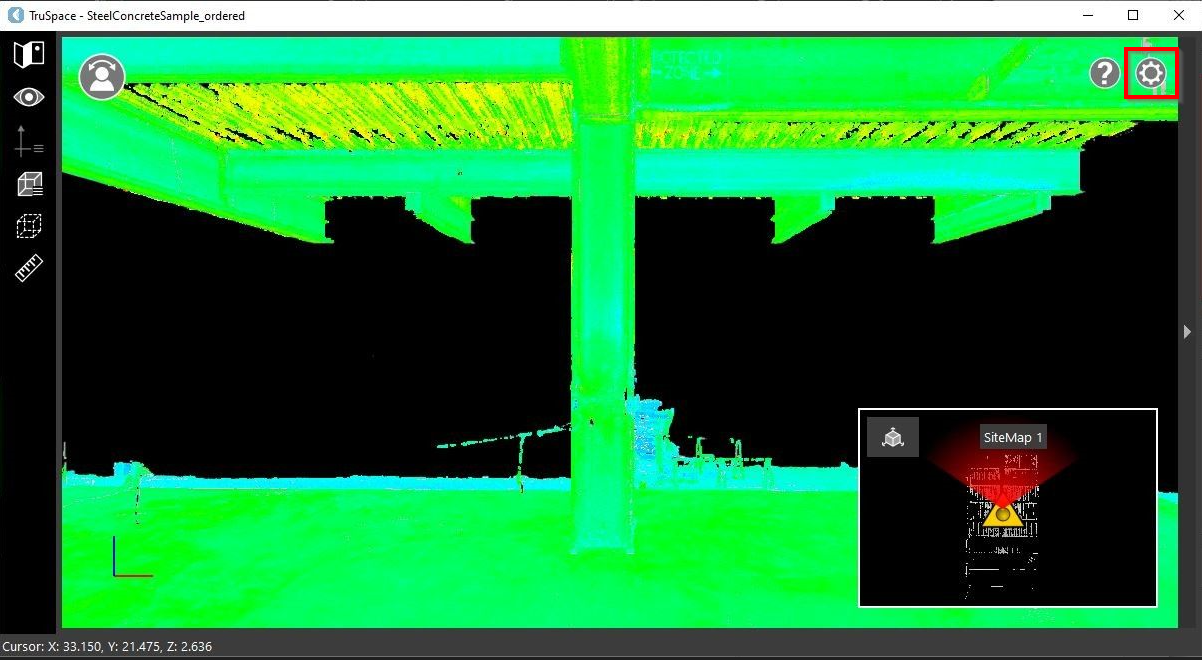
Universal project settings are located in the Settings dialog. To access settings, click the gear button at the upper-right corner of the TruSpace viewer.The Settings dialog allows adjusting the following settings:Setup RadiusTemperature UnitsDistance UnitsAngle UnitsMeasurement Annotation StyleBackground Color