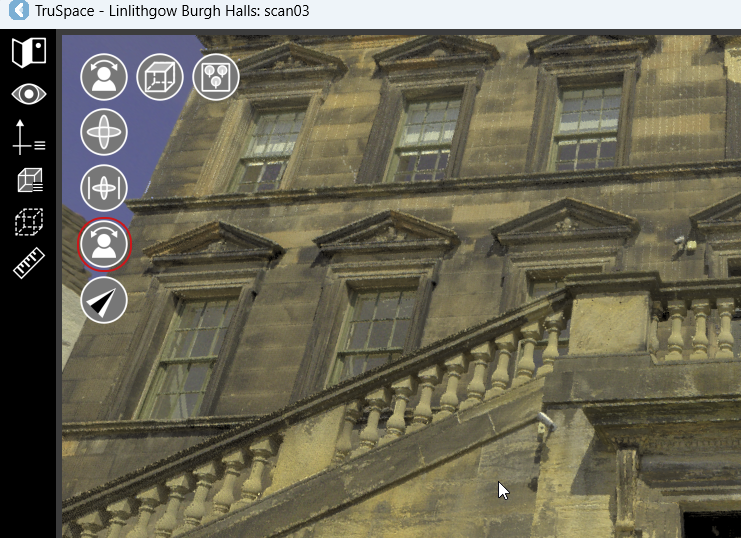
Primary Toolset
The primary tools are located in the upper left-hand corner of the TruSpace workspace.
Panels
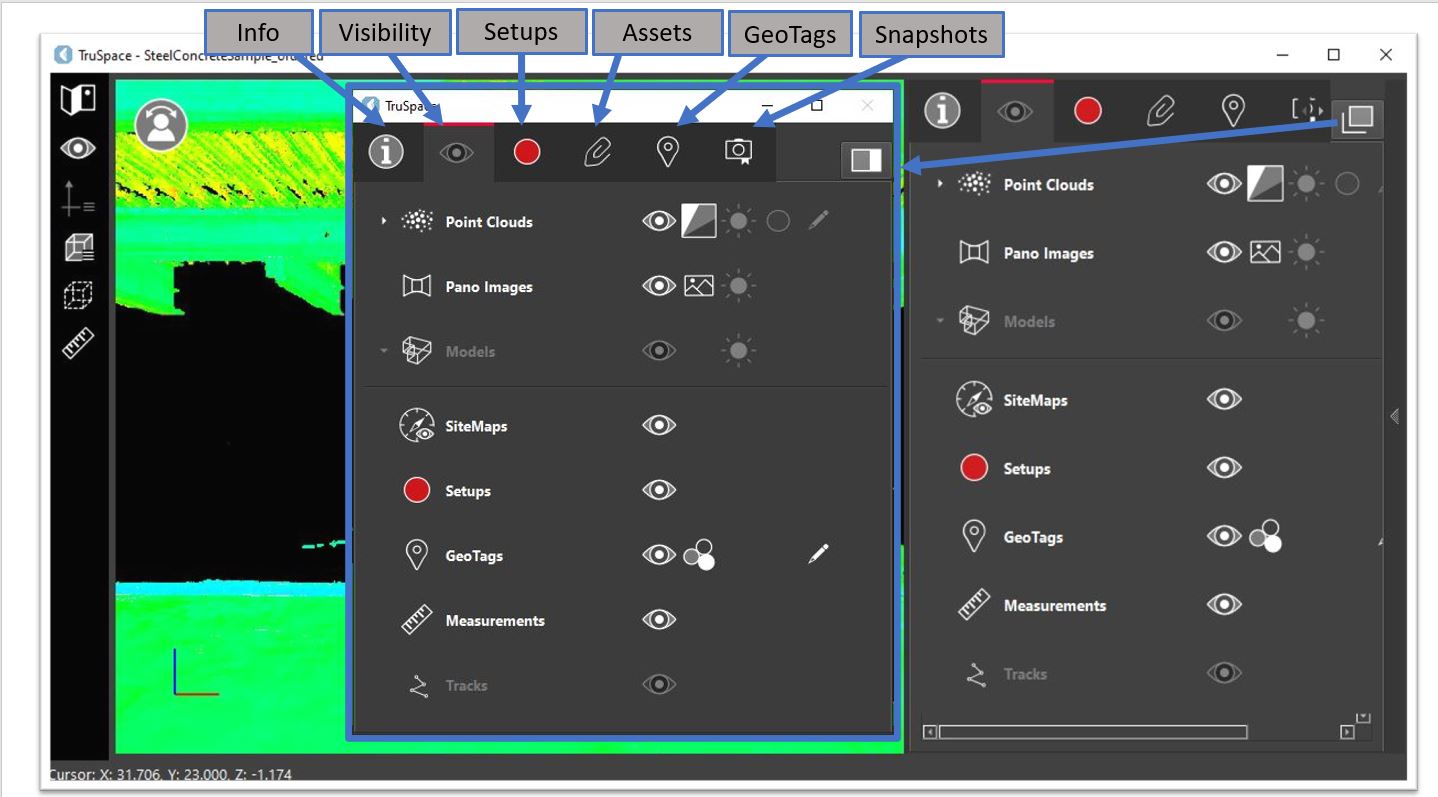
TruSpace includes a set of panels on the right-hand side of the workspace, providing various functions and information related to the project:
Viewer Settings
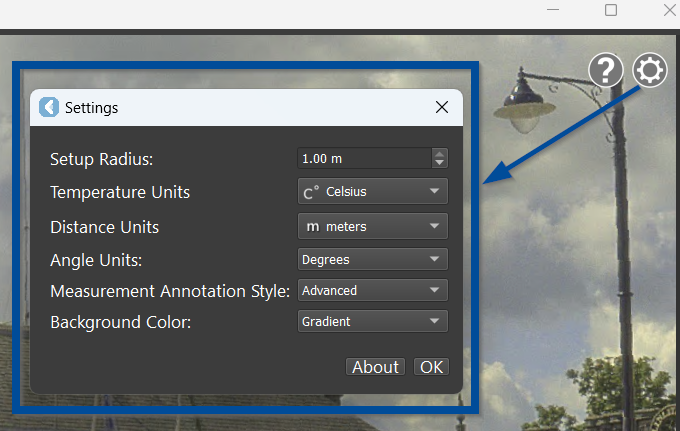
By clicking the gear button in the upper-right corner of the viewer, users can manage the following TruSpace settings:
Help Info
To learn more about TruSpace functionality, users can click the Help button in the upper-right corner of the viewer and access the TruSpace Explorer Help documentation.
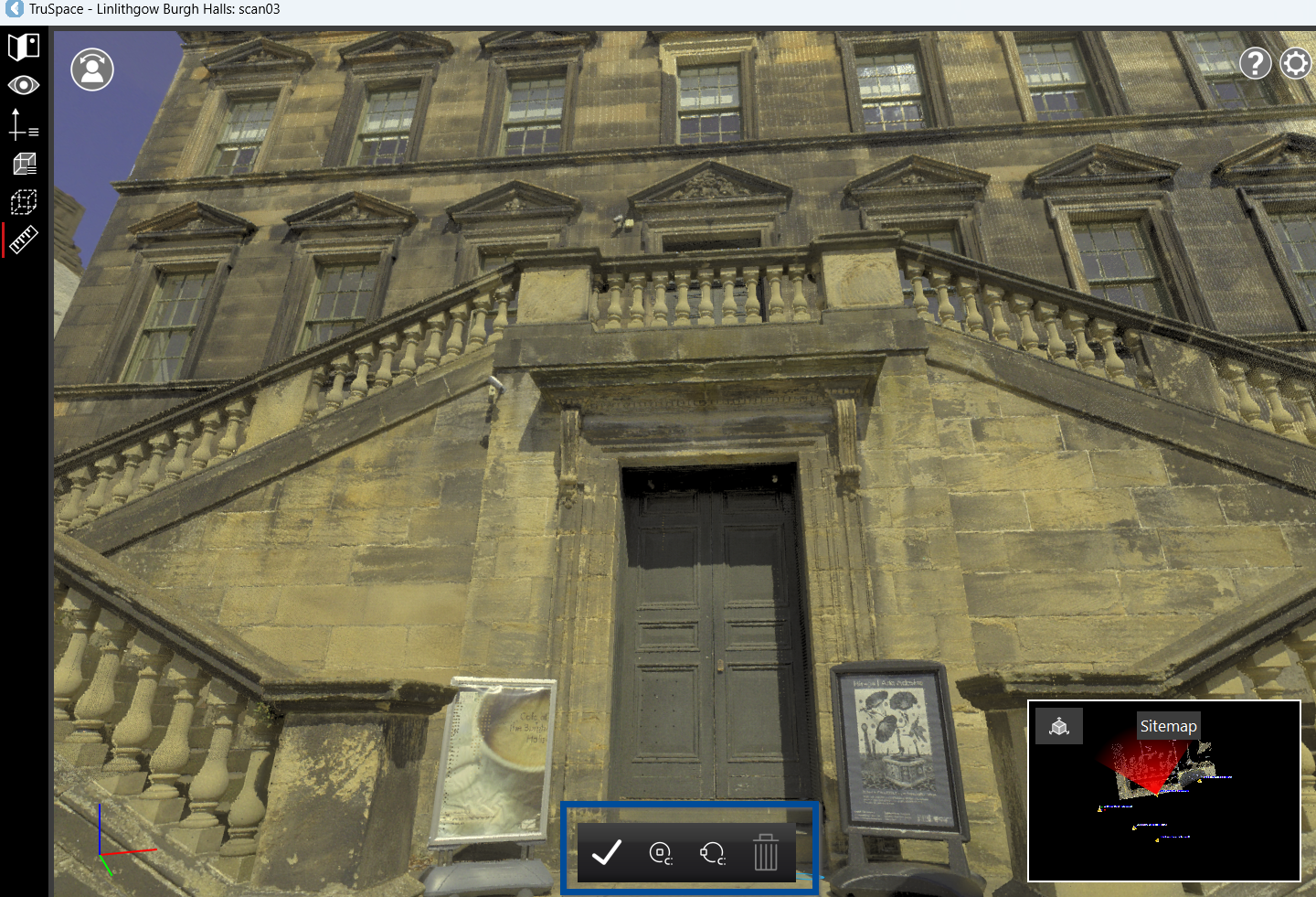
Floating Toolbars
Floating toolbars will display when creating measurements.