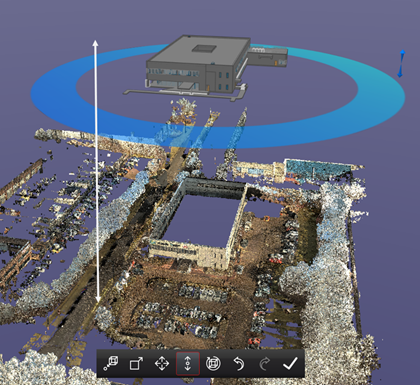
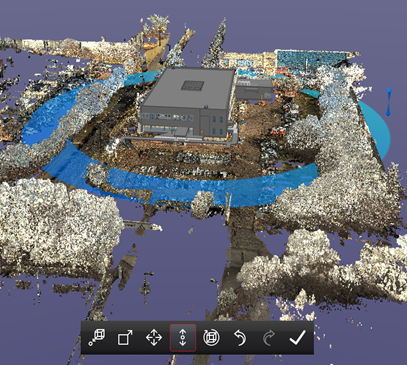
This tool can be use to make smaller adjustments along the Z axis.

-
Select the Move Z tool.
-
Hotkey G will also initiate the tool.
-
Left click and drag the model to move it freely in the Z OR the up and down ARROW keys on your keyboard to nudge the model.