Function
Creates a smooth curved line or closed shape passing through set of fit points
Procedure
Left click to create series of points which will be joined with a fit smooth spline line.
If you have 2D or 3D points on screen you can snap to fit spline line through selected points.
Right click or press enter to end the command.
To automatically close a spline curve with three or more vertices, type letter C in the command line.
Snapping to 3D points will result in a 3D Spline and assume any elevation values of the snapped points.
Modifying Properties
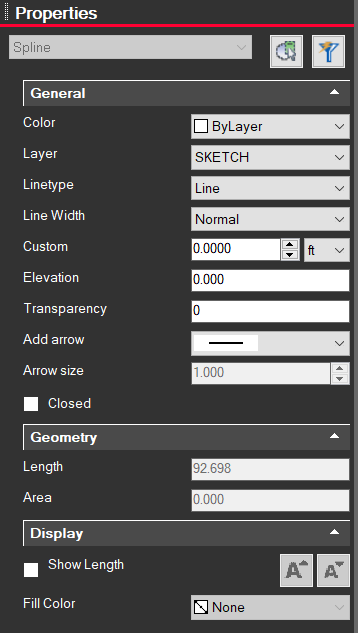
Clicking on a spline entity will bring up information on the left side Properties panel. From here you can change the color, layer, line type, width, etc.