Function
Draws an individual line entity.
Procedure
Left click to select start of line
Left click to select end of line or type in the line length which will then be drawn in the direction of the cursor
Pressing spacebar will repeat this command
Line length will be dynamically displayed while line command is active. Either 2D and 3D lines can be drawn by snapping to points or existing line work.
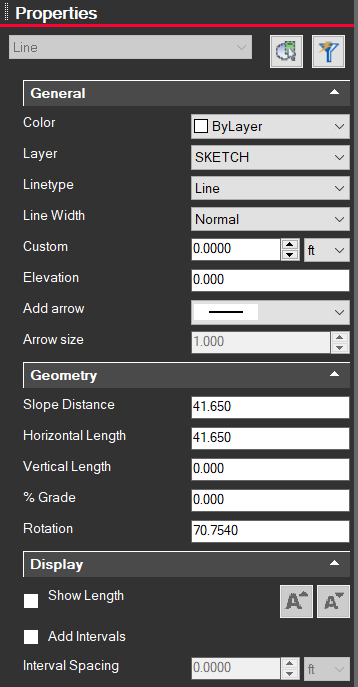
Modifying Properties
Clicking on a line brings up information on the left side Properties panel for the selected line(s). From here you can change the color, layer, line type, width, etc.