Function
Allows manual editing of current limit box dimensions and position
Procedure
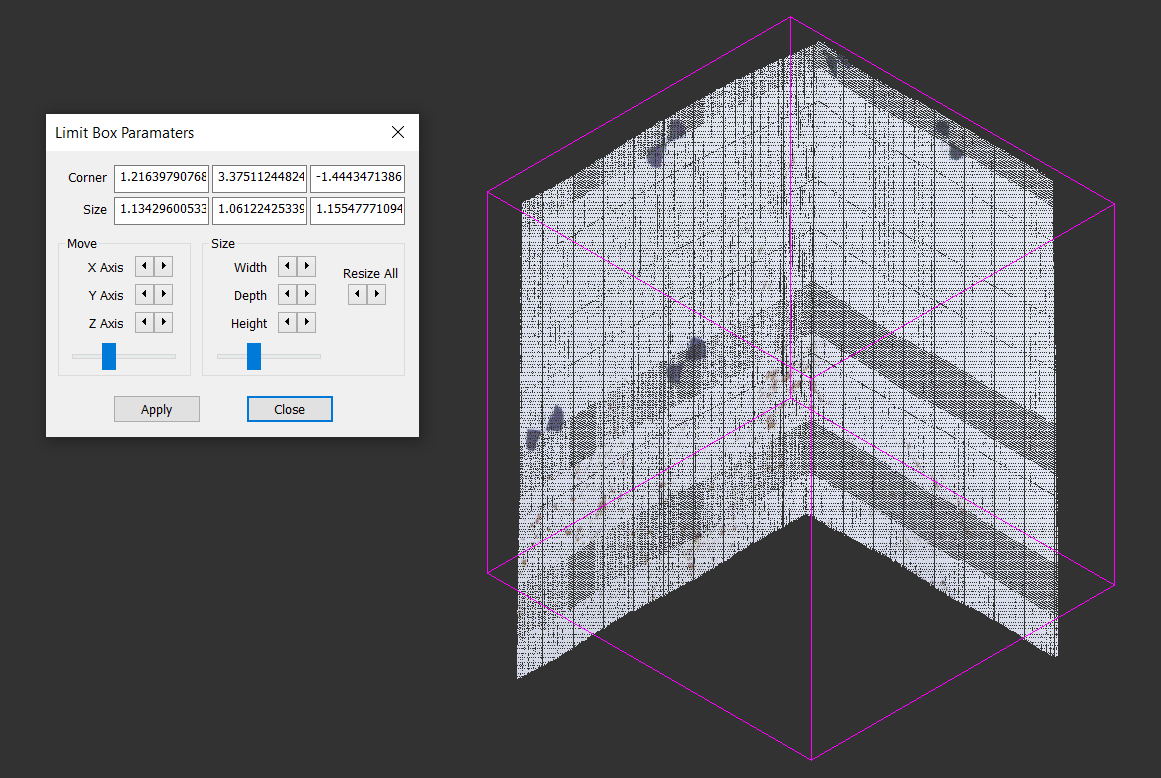
Make sure you have a Limit Box in place
Run the routine to bring up the Limit Box Paramaters
Edit the values as desired, using either the numbered values, the Move/Size/Resize All buttons or sliders
Press Apply to recreate the Limit Box using new dimensions defined