Function
This program will connect points with the same description by lines.
Procedure
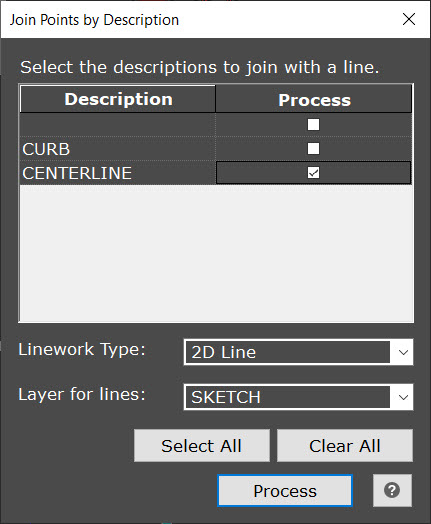
Use the checkboxes under the Process column to specify which description you wish to connect with linework. Alternatively, you can use the Select All or Clear All buttons to quickly select all or deselect all descriptions.
The Linework Type can be selected to be 2D Line, 3D Line, 2D Polyline or 3D Polyline, which defines which type of lines are created (Lines vs Polylines) and if elevation is used. (2D vs 3D)
The layer used to generate all the linework is defined by the Layer for lines dropdown, which will bring up the list of existing layers in your drawing.
Once you press Process, the linework will be generated by connecting in order of ascending point numbers for each description.