
Login and authorisation
This page explains how to log in to Reality Cloud Studio, including email/password and SSO login options. For user roles and authorisation, see Roles and permissions.
Logging in
Navigate to https://realitycloudstudio.hxdr.app and click on the Log in button.
You will be redirected to the first Login page. Enter your email address and click Continue.
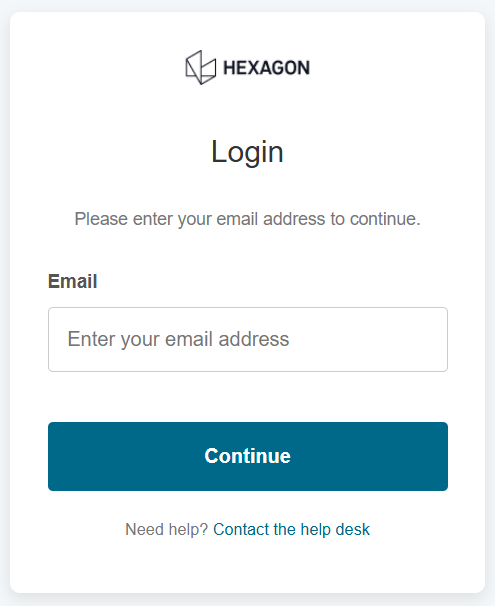
Based on the login type associated with your email you will be redirected to the respective authorisation provider page.

If you have multiple login types associated to your email you will see the Select your account page, letting you choose preferred option. See the screenshot below.
.png?inst-v=189e9461-c622-4ec9-8b74-6359680d1bc4)
Supported login types
For email address & password accounts
Enter the email address and password associated with your account and click Login.
If logging in for the first time after receiving an invitation email, click the Accept invitation link in the email before proceeding. You will be prompted to set your password.
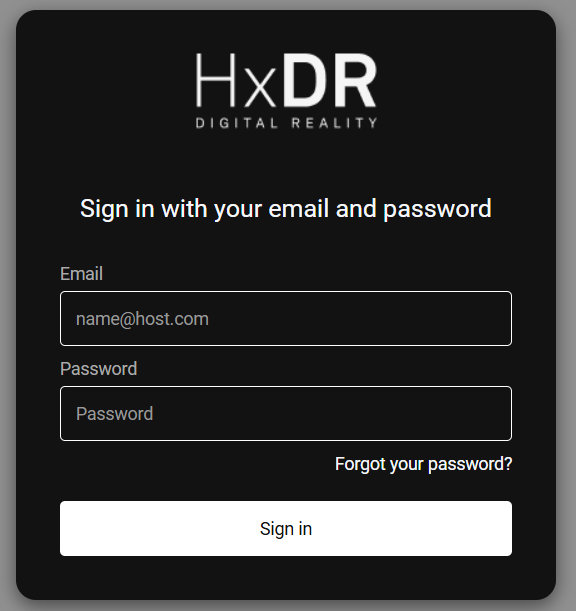
email address & password login page
For GeoCloud Drive users
Choose MyWorld option. You will be redirected to the MyWorld login page
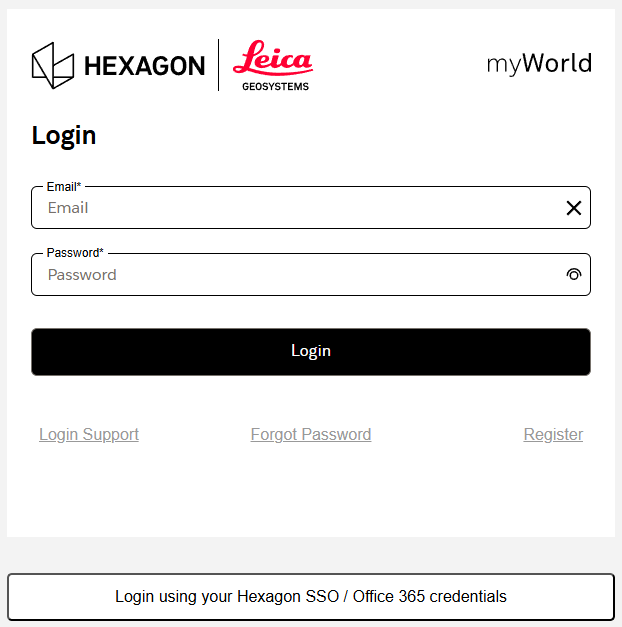
MyWorld login page
User roles and authorisation
Reality Cloud Studio uses role-based access control within company accounts. For a full breakdown of available roles and their permissions, see Roles and permissions in the User management section.