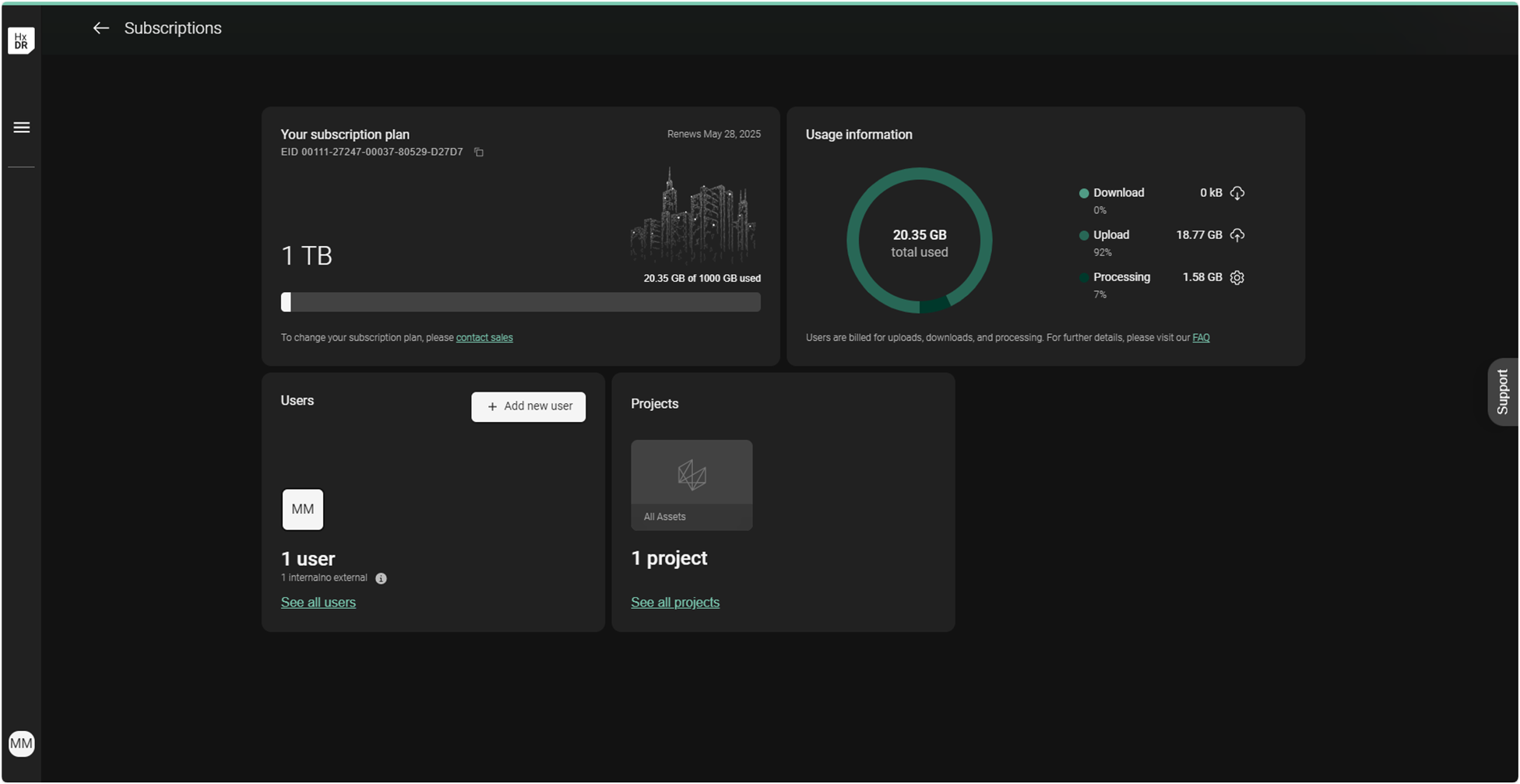
Activating a subscription on an existing account
Users who created an HxDR Reality Cloud Studio company account previously can follow these instructions to (re)activate the subscription. Users may have previously created the company account but:
Did not complete the activation steps during the account sign-up process, as defined here
It was before November 2024. In this case, it may be required to enter the EID and unique URL provided in June 2025. Entering the EID will enable continued use of the platform and a robust usage dashboard that reflects total usage against the account’s limit and usage within the categories of upload, download, and processing.
Activating an EID
Navigate to https://realitycloudstudio.hxdr.app and log in with an Admin account.

The email used in the Personal Details section of the account creation process will be the default Admin account.
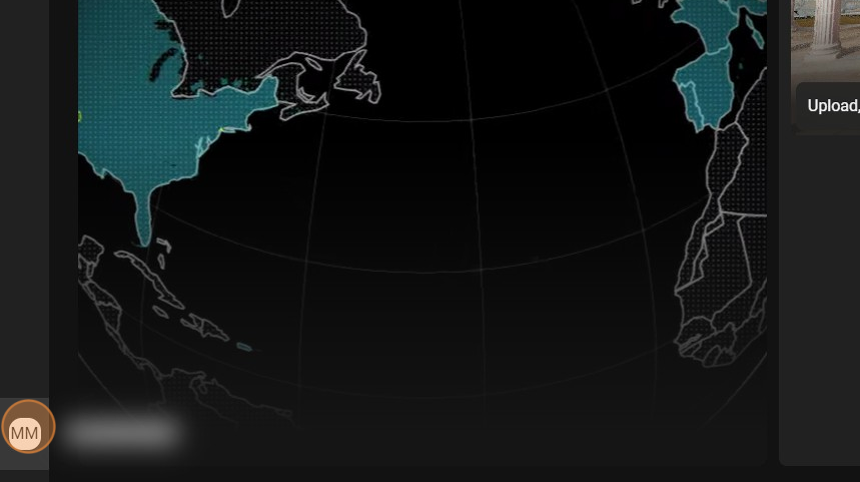
Click your account badge (bottom-left corner).
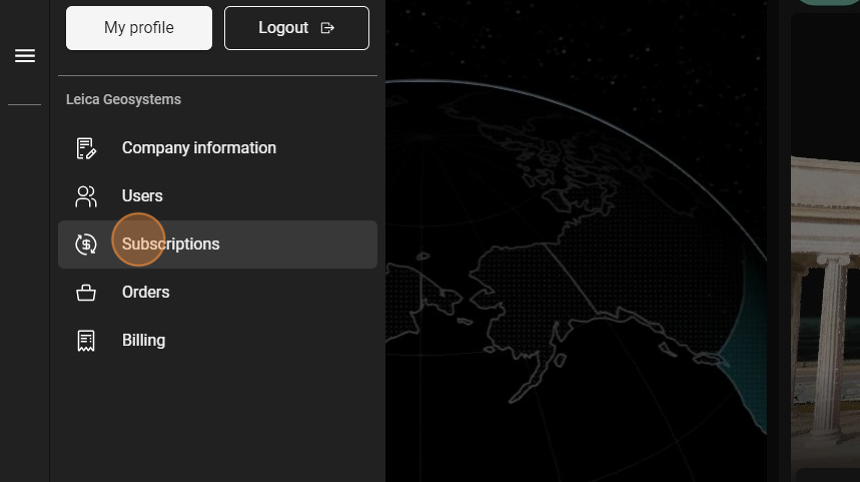
Click Subscriptions.
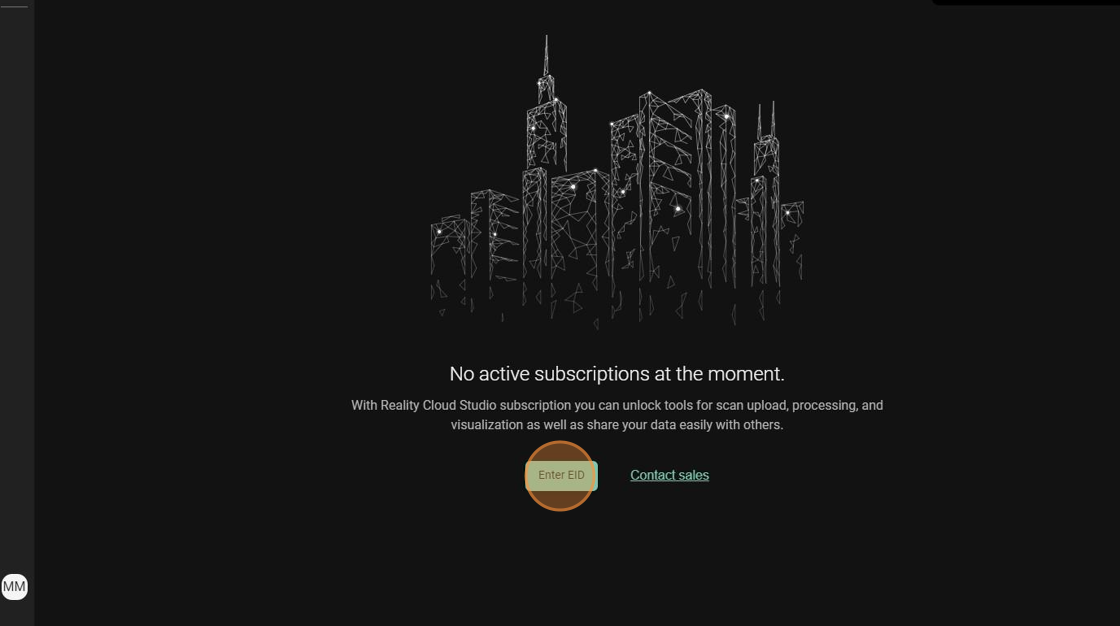
A “No active subscription at the moment” message will appear.
Click Enter EID.
Locate your Entitlement ID (EID) delivered by email and:
Included in an attached Entitlement Certificate
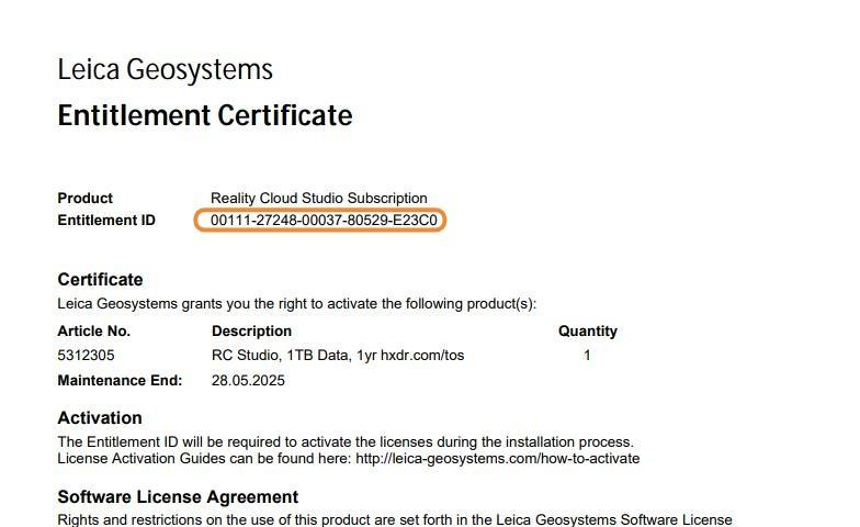
Entitlement Certificate PDF delivered by email, containing the EID
Or within the email body with a unique activation link
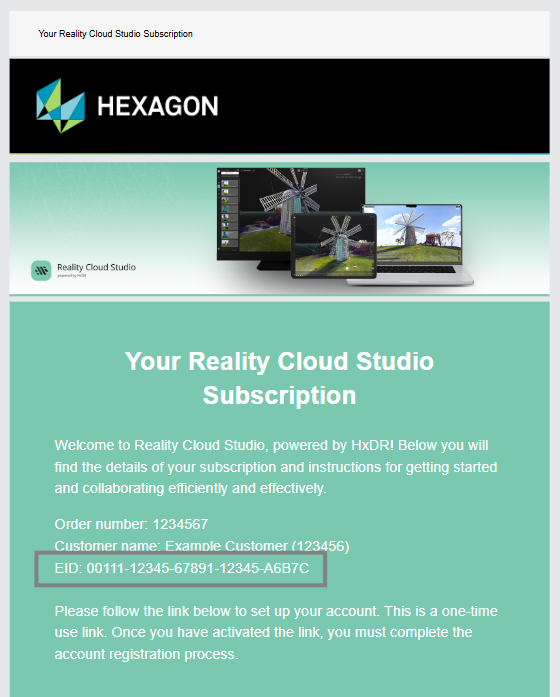
Invitation email with EID and unique URL (URL not shown)
15. Enter the EID.
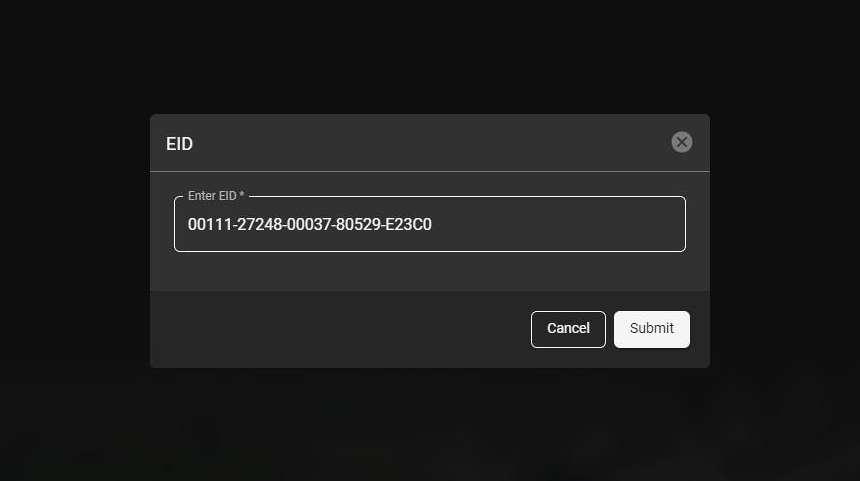
16. Click Submit.
17. HxDR Reality Cloud Studio will activate the subscription and notify you with a message stating "Your subscription has been activated successfully!" in the lower right-hand corner of the screen.
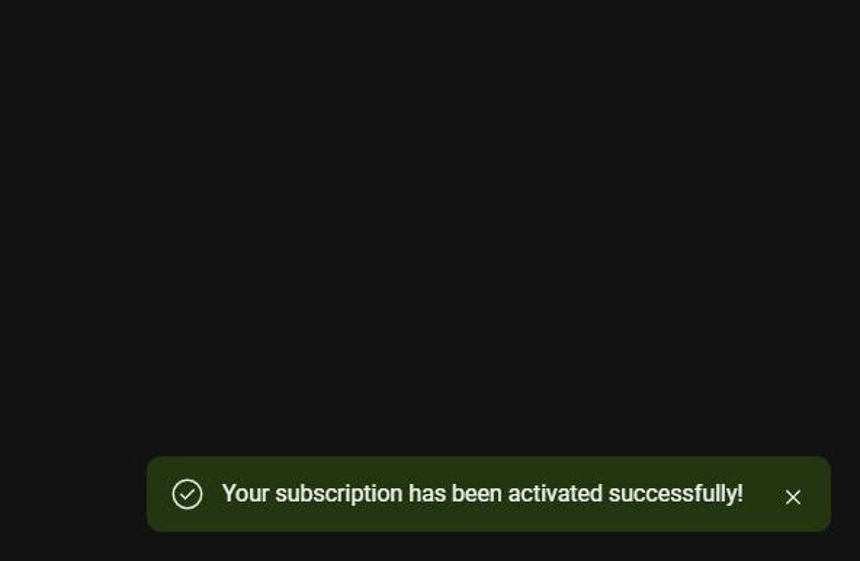
18. You will be redirected to your subscription dashboard. Please confirm that the subscription listed here matches the expected data quota.
Please use the Contact Sales or Contact Support buttons if anything is incorrect.