Cleanups can be baked using the Bake Applied Cleanup(s) and Undo Cleanup Baking options available when right-clicking the Cleanups section.
Baking a cleanup permanently applies the combined result of all active cleanup operations (lasso, mirror, plane, sphere selection, etc.) directly to each point, instead of evaluating them sequentially at runtime. This greatly improves performance on large point clouds with many cleanups.
Once a cleanup is baked, it becomes locked and is marked with a lock icon. Baked cleanups cannot be edited, enabled, disabled, or deleted until they are unbaked.
.png)
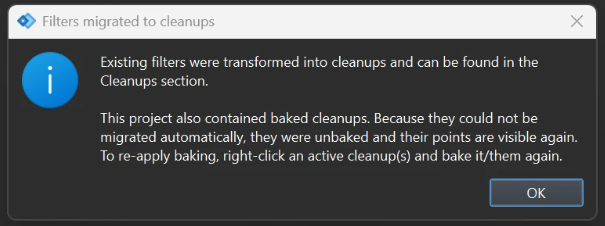
Note: Baked filters will not be migrated automatically when opening an old project in PinPoint 5.0.0 for the first time. Those points will become visible again and must be re-baked. To do this, right-click the active cleanup(s) and bake it/them again.