Date published: 23 July 2026
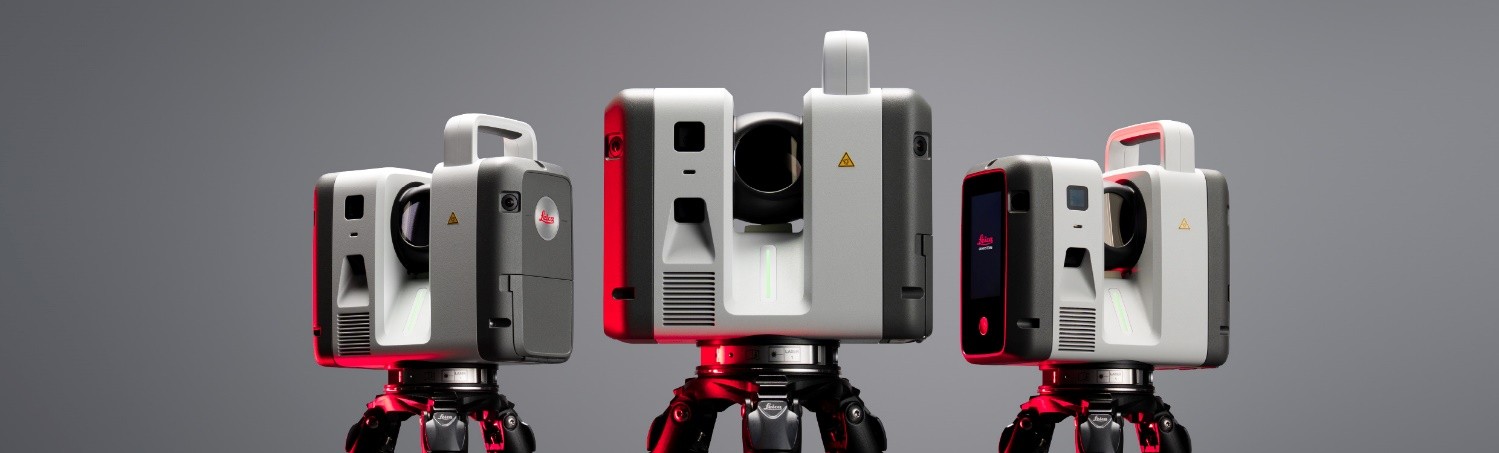
What’s new
1. Target Pick in Camera Image
This firmware, in combination with Leica Cyclone FIELD 360 v7.0.3 app, introduces a new Target Picking mode that allows targets to be picked directly in images captured by the scanner's main camera. This functionality improves target picking at longer distances where the resolution of the 360 view may not be sufficient for accurate target picking.
To activate this mode, tap "Pick target on image" button in Cyclone FIELD 360 app. The application will switch from the 360 view to the image captured by the scanner's main camera, enabling precise target picking directly within the image.
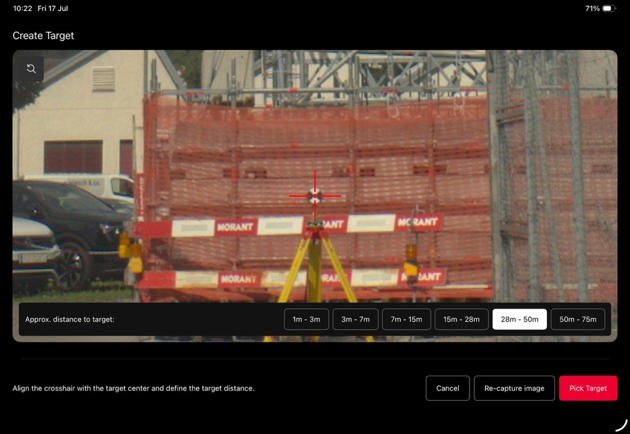
Figure 1: Target picking in camera image mode in Leica Cyclone FIELD 360 app.
2. User Interface Language Selection
The Leica RTC series scanner user interface is now available in the most requested languages, enabling users to operate the scanner in their preferred language.
Language files can be downloaded from myWorld Customer Portal and installed on the scanner. Once installed, the selected language becomes available in the General settings menu, where users can easily switch the user interface language.
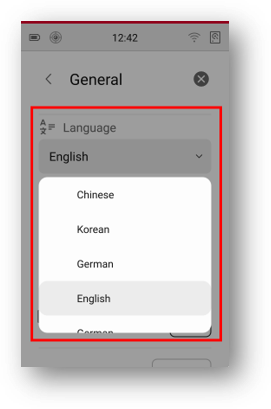
Figure 2: Language selection in General settings.
For detailed instructions on installing language files, please refer to the Leica RTC300/500/700 User Manual, available for download from the myWorld Customer Portal .
Improvements
1. Enhanced Battery Power Management
Batteries can now be hot swapped sequentially without the need to power off and restart the scanner. The state of charge of each individual battery pack is displayed in the Settings screen, helping users determine the optimal order for battery replacement.
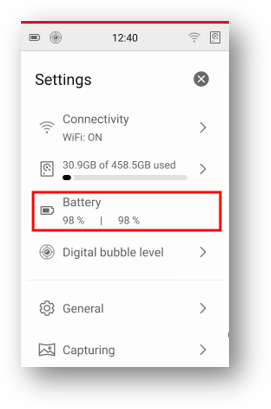
Figure 3: Battery status display in the main settings panel.
2. Improved Cleanliness of the Preview Point Cloud
The cleanliness and visual quality of the preview point cloud displayed in the 3D view of Cyclone FIELD 360 have been improved. Point cloud previews now contain fewer artefacts and provide a clearer representation of captured scan data during field verification and registration workflows.
Firmware Installation
The new firmware v1.1.0 can be installed on any Leica RTC300, RTC500, or RTC700 laser scanner, independent of any previous firmware version.
Compatibility with Leica Cyclone REGISTER 360 PLUS:
– REGISTER 360 PLUS v2026.1.0. or higher is required to import firmware v1.1.0 data.
Compatibility with Leica Cyclone FIELD 360:
– Cyclone FIELD 360 v7.0.3 or higher is required to access all firmware v1.1.0 features.