autocad pro bricscad pro ultimate
Tools | Workplane
Command Line
AutoCAD / BricsCAD: CWWORKPLANE | ADVANCED
This tool allows adjusting the advanced Workplane settings.
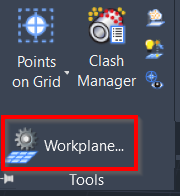
Using the Tool
When the tool is activated, the Workplane Settings dialog appears with the following settings:
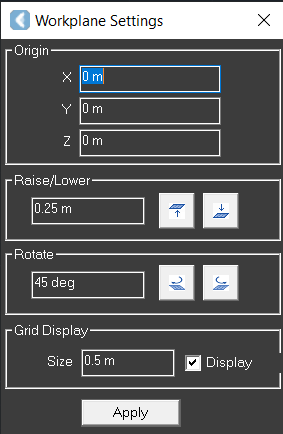
Origin:Defines the location of the X, Y, and X axes in meters.
Raise/Lower: Defines the amount by which the Workplane is raised or lowered.
Rotate: Changing the angle of the viewing position.
Grid Display:
Size:Changes the size of the grid.
Display: Enables or disables the display of the Workplane outline on the grid.