AUTOCAD BASIC AUTOCAD PRO bricscad basic bricscad pro ULTIMATE
Orientation | Plan View
Command Line
AutoCAD / BricsCAD: CWWORKPLANE | PLAN
This command will toggle the X- and Y-axes of the UCS to make it easy to orientate to the Plan View.
Using the Tool
To orientate the view to the Plan View, follow the steps below:
Activate the tool using any option below:
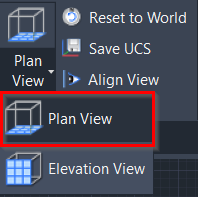
Select Plan View in the Orientation panel.
Type a command line prompt specific to the preferred CAD system and press ENTER.
The UCS will be orientated to the X- and Y-axes.
Click the Align View command in the Orientation panel, and the point cloud will be orientated to the Plan View.