AUTOCAD BASIC AUTOCAD PRO REVIT navisworks bricscad basic bricscad pro ULTIMATE
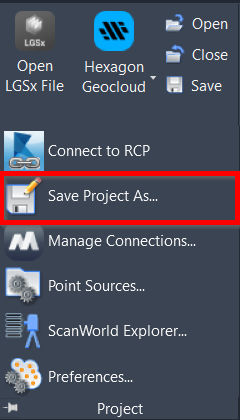
Project | Save Project As
Command Line
AutoCAD / BricsCAD: CWSAVEAS
This command allows the user to save the current CloudWorx project as a copy by changing its name and/or location.
Using the Tool
To save the current project as a new file:
Click Save Project As in the Project panel or type a command line prompt specific to the preferred CAD system and press ENTER.
In the Save CloudWorx Project to dialog that appears, set the file path and its name and click Save.
Notes
The user will continue working in the copy.
The copy will be saved to the CAD drawing, replacing the original.