AUTOCAD BASIC AUTOCAD PRO REVIT navisworks bricscad basic bricscad pro ULTIMATE
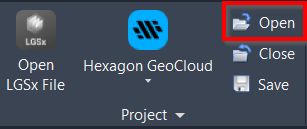
Project | Open
Command Line
AutoCAD / BricsCAD: CWOPEN
This command is used to open a previously saved CloudWorx project file. The project information will be saved in the current drawing.
Note: This command will close any open CloudWorx project and overwrite the project information saved in the drawing.
Using the Tool
After running the command:
A Windows browser opens to select a CWPRJ file.
Then, the associated cloud data will be loaded with any active clipping applied.
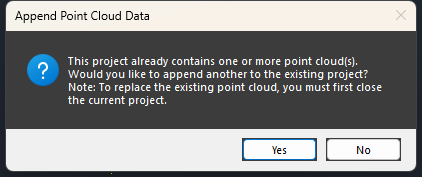
Opening a new DataSource into a project that already has a DataSource loaded (must be the same as the one linked in the CloudWorx project) will prompt the user whether to append the data.
Yes will append the additional point cloud data.
No will close the dialog.