revit
Tools | Move Object | Measure Distance
This tool measures the distance between two specific points.
Using the Tool
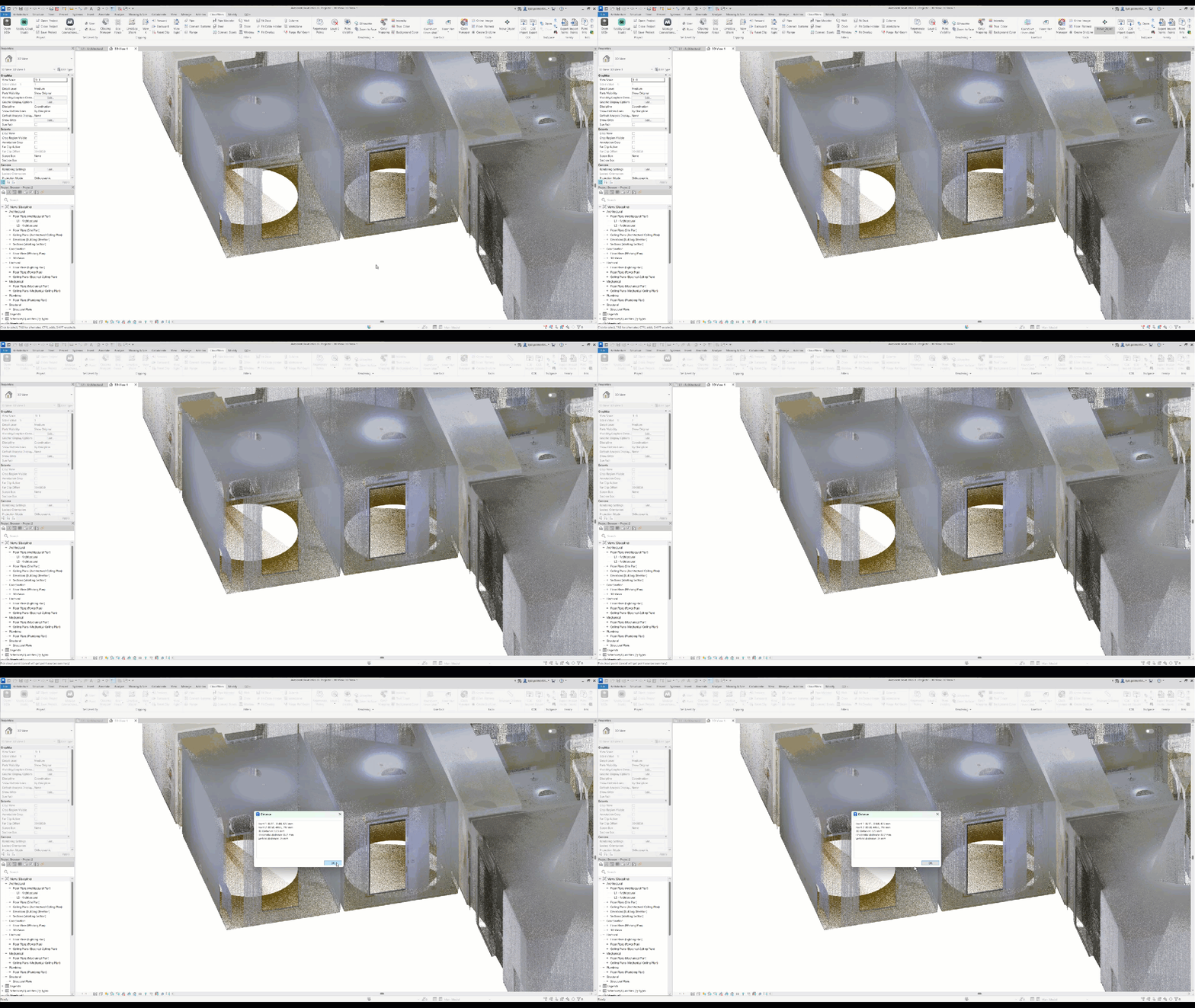
To measure the point-to-point distance:
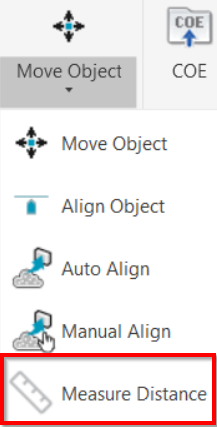
Click the Measure Distance button in the Tools panel.
Select the first point.
Select the second point.
Click OK to stop the tool.
Press Esc to cancel the tool.
As a result, the following measurements will be available:
Coordinates of the first point
Coordinates of the second point
3D distance between the two points
Horizontal distance between the points
Vertical distance between the points