
Create a new text file named "blockdevice.json" with the following contents:
{
"DeviceName": "/dev/sda1",
"Ebs": {
"DeleteOnTermination": false,
"VolumeSize": 100,
"VolumeType": "gp2"
}
},
{
"DeviceName": "/dev/sda2",
"Ebs": {
"DeleteOnTermination": false,
"VolumeSize": 300,
"VolumeType": "gp2"
}
}
.png?cb=8a791e8be8544de67e5c4d7327eb9f8f)
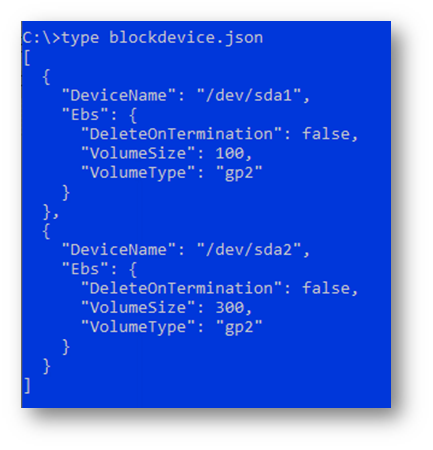
The above configuration creates a 100GB C drive (DeviceName: /dev/sda1) and 300GB D drive (DeviceName: /dev/sda2) for your EC2 instance. We recommend that you use the D drive as a data storage location. You can adjust the ‘`VolumeSize’` value (in GB) for /dev/sda2 to meet your data storage requirement.
Note: Please reference the section on Initialize Data Storage Disk in this document for details.