AUTOCAD BASIC AUTOCAD PRO navisworks bricscad basic bricscad pro ULTIMATE
Project | Preferences…
Command Line
-
AutoCAD / BricsCAD: CWPREFERENCE
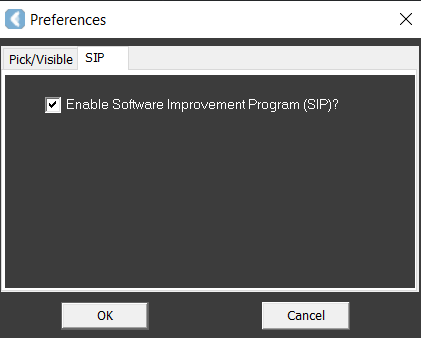
This command enables users to toggle the visibility of all clouds, manage snapping on cloud point data, and control participation in the Software Improvement Program (SIP).
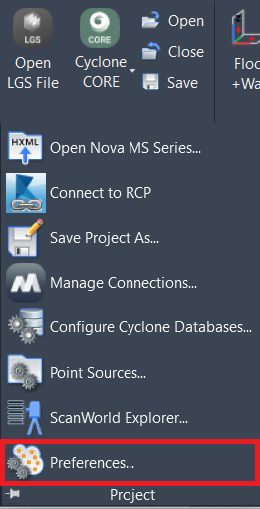
Using the Tool
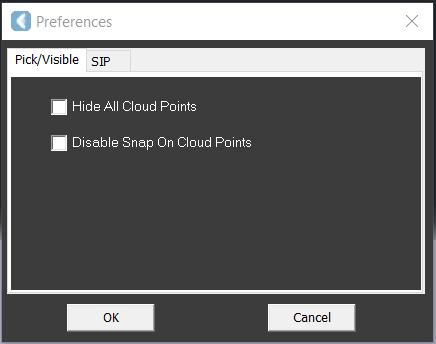
After executing the command, the Preferences dialog opens.
-
Pick/Visible affects all the point clouds and offers the same tools as:
Note: Pick/Visible does not work on connected RCP point clouds.
-
SIP allows managing participation in the Software Improvement Program.