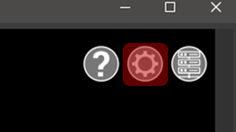
Universal project settings are located in the settings dialog. To access settings, click on the gear at the top right corner of the Viewer window.The Setting dialog allows adjusting the following settings:Setup RadiusBackground ColorMeasurement Annotation StyleDistance UnitsTemperature UnitsShow Pano ImagesAllow Software Improvement Program (TruView Desktop only)Surface IndicatorsPano Navigation mode