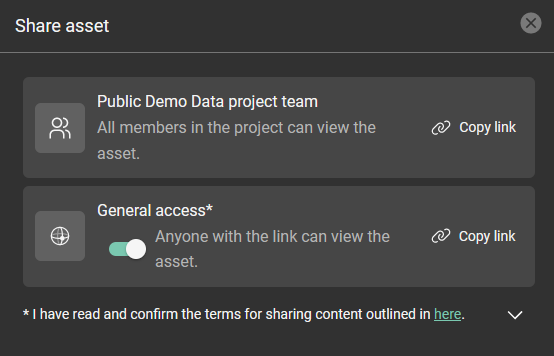
How do I share an asset?
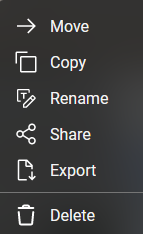
To share an asset you can either click the ellipsis in the lower right corner of the asset tile and select share.
When viewing an asset, click the share button in the upper middle of the browser window.

For public access enable the ‘General access’ option then click ‘Copy link’ and paste the link into an email.