AUTOCAD BASICAUTOCAD PROREVITnavisworksbricscad basicbricscad proULTIMATE
AutoCAD / BricsCAD: CWJETSERVER
This command enables the setup and modification of the connections to Leica Geosystems host software.
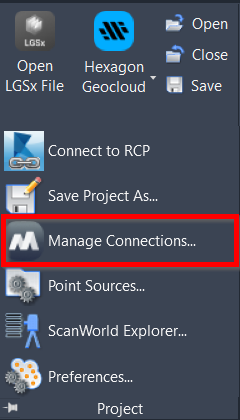
Note: The connection to Leica Geosystems point cloud host software requires access to the host software. This software may be installed on the local computer, network, or over the internet.
When the command is used, the Manage Connections dialog opens. It allows users to access settings for Leica Geosystems point cloud host software.
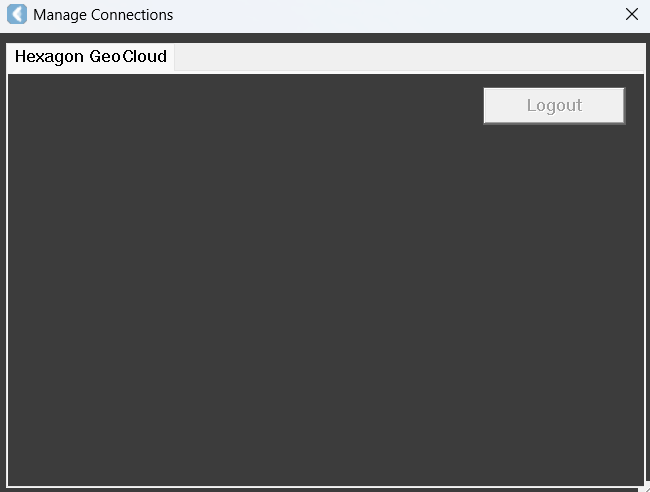
A user may log out of an active RCS connection.