Visibility
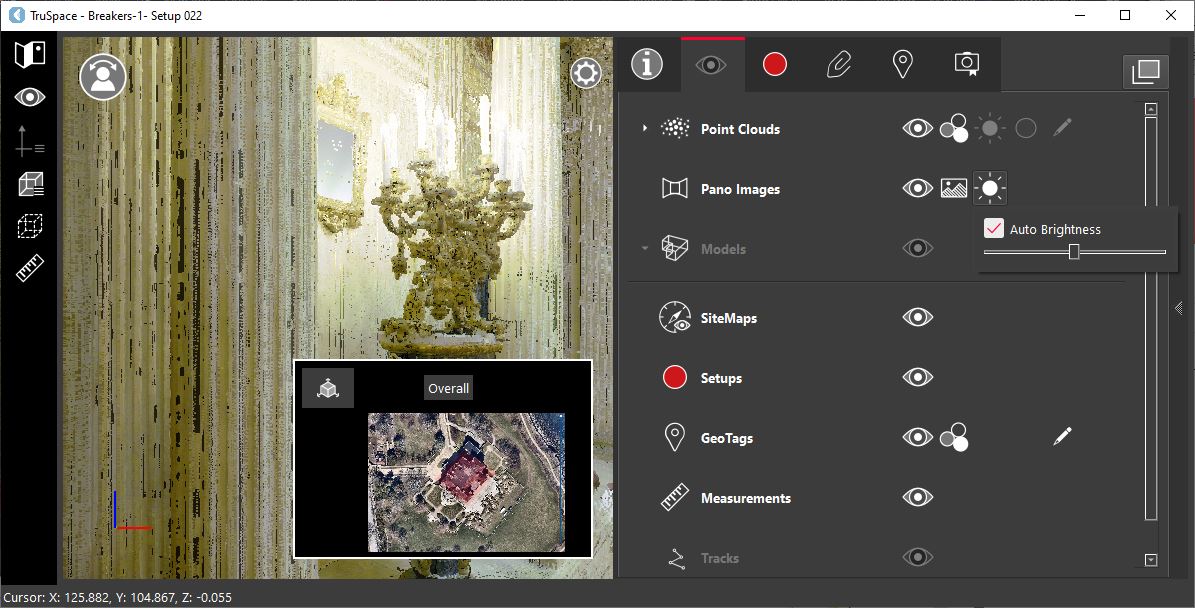
To enable or disable the visibility of panoramic images, click the visibility icon  next to the Pano Images field.
Shortcut Key: I
Image Type
To change the pano renderer, click the Image Type icon  and select the required option:
Image
Applies the native true color image from the scanner.
.png)
HDR Image: Applies the HDR image. When this renderer is used, the HDR slider will become active, allowing to adjust the HDR threshold.
.png)
IR Image: Applies the IR image if it is available.
.png)
Brightness
To adjust the HDR threshold automatically, simply click the brightness icon  .
.
To adjust the HDR threshold manually, deselect the Auto Brightness check box.
This is only active if the HDR image type is applied.