---
title: "Circular Fence"
slug: "cloudworx-circular-fence"
updated: 2026-09-07T08:34:55Z
published: 2026-09-07T08:34:55Z
canonical: "rcdocs.leica-geosystems.com/cloudworx-circular-fence"
---
> ## Documentation Index
> Fetch the complete documentation index at: https://rcdocs.leica-geosystems.com/llms.txt
> Use this file to discover all available pages before exploring further.
# Circular Fence
revit
Clipping | Circular Fence
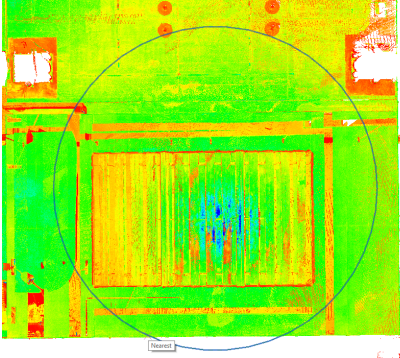
This command hides all points outside of a defined circular fence.

To clip points outside of a circular fence, click the Circular Fence icon in the Clipping panel and define a fence.
For better control over the selection, users can see a preview of the fence prior to clipping.
If needed, open the Clipping Manager to turn on or off any clipping records.