Function
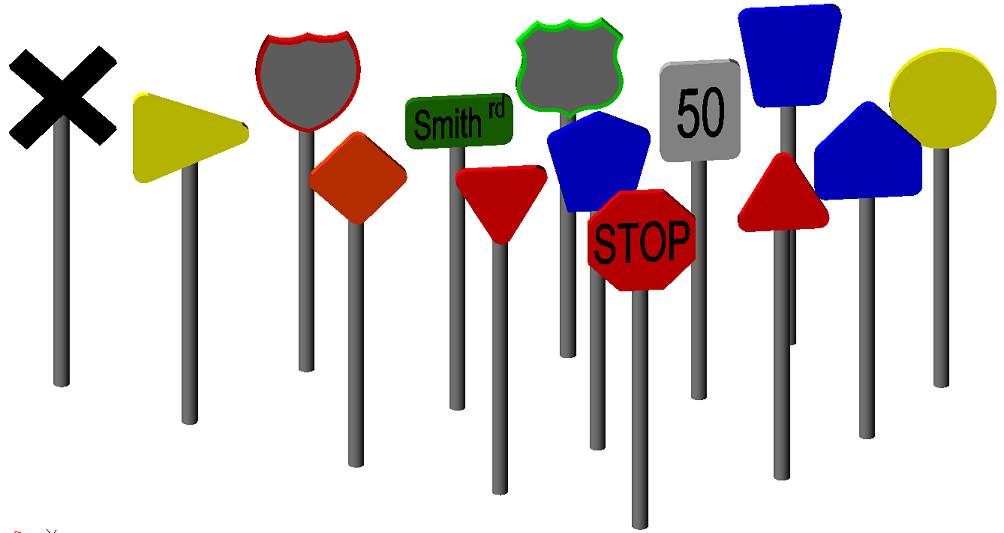
Quickly and easily draw 3D symbols of signs in your diagram such as stop signs, parking signs, and many more. They are highly customizable.
Procedure
Left click to start the command
In the command line, you will see a message "ENTER to use last point/(Insertion point): " Pressing enter will place the sign at the last point where an entity was drawn. Alternatively, you can left click anywhere in the drawing area to place the sign in that location
Once placed, in the command line, you will see a message "Rotation angle (0): " Enter in a value for the rotation, or move your mouse to rotate the symbol. Left click to finish rotation.
Modifying Properties
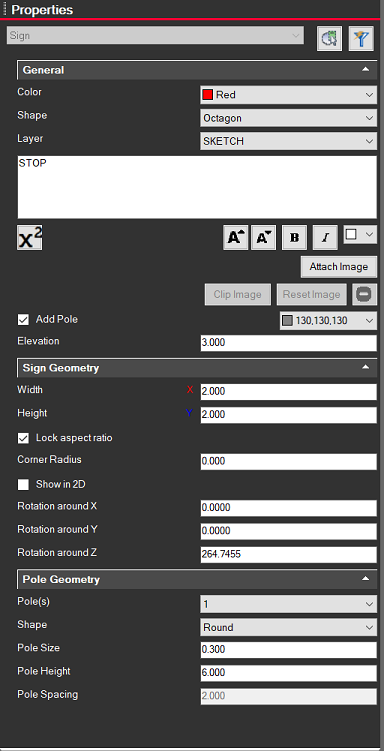
Clicking on a sign brings up information on the left side Properties panel for the selected sign(s). From here you can change the color, shape, layer, displayed text, images, etc.
You can also enable/disable a pole, as well as adjust its color and dimensions
Both the Sign and the Pole can have their Geometry modified further. Different shapes may have different options available/unavailable.