Function
Rotates the cursor on the Map360 display screen to match a line. It is useful in drawing a building whose sides are not parallel to the coordinate axes.
Procedure
You will be presented with the following Alert Box for information purposes.
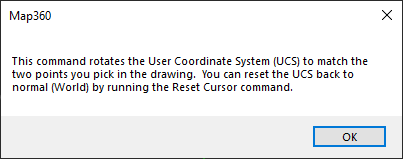
Pick OK to continue.
You are prompted for two points which define the ends of a line to be treated as horizontal and Map360 will rotate the cursor to match those picked points.