Function
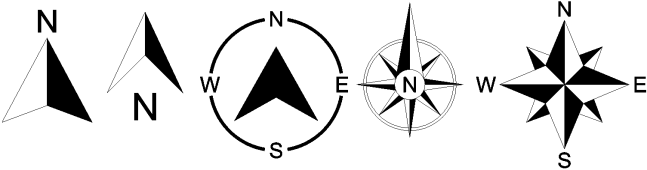
Inserts a north arrow into your diagram that can be place and sized as needed.
Procedure
Select the North Arrow button from the Labeling ribbon.
Left click to insert the North Arrow
With the north arrow selected, use the grips to adjust the size and rotation.
The style can be adjusted from the properties panel, along with color, transparency, and size.