Function
Map360 is registered by activating a license code.
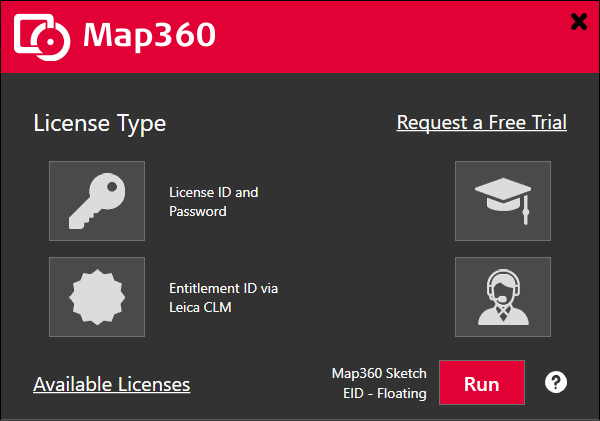
Whenever you start your software and no license is found, you will see the Licensing Options dialog.
Procedure
Evaluation
Demo Mode
If you want to evaluate our software, you can do so without purchasing a license.
Our software will run in a fully-functional 30-day demo mode, which may be activated by contacting MicroSurvey. While in demo mode the program will function like a fully registered version, everything is 100% functional.
To run the 30-day demo mode, click the key button, enter the License ID and Password provided by MicroSurvey , click "Activate", and press the Run button on the Licensing Options dialog. This dialog will appear when you run the software.
Expired Mode
Your demo time period is 30 days, and before or after it is active, the program will be in expired mode.
After the 30-day demo has expired, you can still open existing projects but Saving and Printing is disabled.
Once expired, the only way to continue using your software without this limitation is to purchase a license for it.
Purchased Licenses
When you license our software, you may license it as:
a standalone version (activated over the internet, can be moved to a different computer a limited number of times),
a floating license (activated over the internet and floats between multiple computers, can also be checked out for offline use).