Function
Easily insert a 2-way, 4-way or 4-way multi intersection that can be customized for a quick accident report sketch.
Procedure
Choose the type of intersection and left click in the drawing to insert the default orientation.

2 Way Intersection
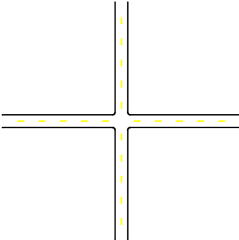
4 Way Intersection
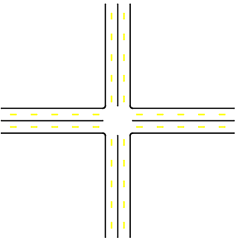
4 Way Multi Intersection
Select the intersection and use the grips and property panel to adjust the overall geometry of the roadway. As the length and angle of a road segment is changed, the centerline and corner radius will adjust automatically.
The centerline can be offset further from the intersection center to allow room for a crosswalk.
Once selected, left click on a particular road segment to populate additional properties. The centerline linetype can be changed and customize and a background color can be added to the entire intersection.