Function
Allows the user to create a camera entity by selecting or setting X,Y,Z coordinates for view origin and view direction.
Procedure
When you activate the _IMS_CAMERA command, the initial prompt is:
"Pick Camera Location"
Select or type X,Y,Z coordinates for the view origin.
"Pick Target Location"
Select or type X,Y,Z coordinates for the view target.
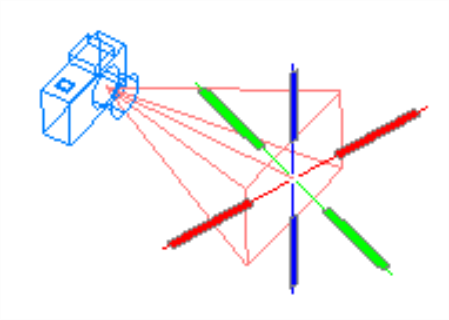
A camera entity will be created and an icon displayed.
Grips can be used to modify the lens length and target position of the camera. Camera Properties provide further options for modifying camera properties.