Function
Draw a 2-point circle defining center and radius
Procedure
First left click defines center of circle
Second left click defines the radius. You can also type in an exact radius value.
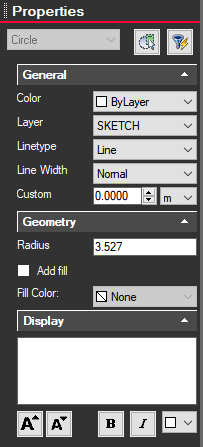
Modifying Properties
Clicking on circle will bring up information on the left side Properties panel. From here you can change the line color, layer, line type, width, fill, dimension, add fill and text label.