BPA Workflow
The BPA tools are located on a separate ribbon that can be accessed by selecting the Open BPA button from the Analysis ribbon or typing BPAOPEN at the command line.
The intuitive BPA ribbon is organized according to the workflow.
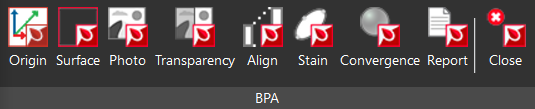
Define the coordinate system and room origin(s).
Identify surfaces from point cloud data or measured points.
Align and scale images directly to the surface.
Analyze stains to include in the convergence analysis.
Visualize the area of origin in 3D with a sphere or point.
Create a BPA report with the calculated results.
Once the analysis is complete, the user can select Close to close the BPA ribbon.
The workflow can be used with point cloud data as well as measurement data from a total station or hand measurements.