Function
Draw an arc with three points: start-end-radius
Procedure
First left click defines the start of the arc
Second left click defines the end of the arc
Third left click defines the radius and direction of the arc
The arc can snap to both 2D and 3D points.
Modifying Properties
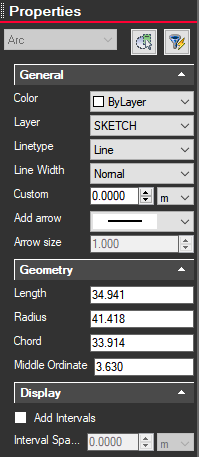
Clicking on an arc will bring up information on the left side Properties panel. From here you can change the color, layer, line type, width, etc.