Function
Draw a connected sequence of line segments
Procedure
Left click to start polyline and continue clicking for additional polyline segments. You can also type in an exact line length to be drawn in the direction of the cursor.
Right click or press enter to end the command.
Option to create a closed polyline shape after three or more vertices are defined by typing in letter C in command line.
Modifying Properties
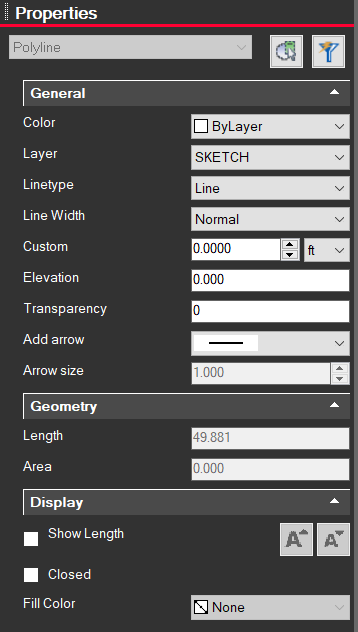
Clicking on a polyline entity will bring up information on the left side Properties panel. From here you can change the color, layer, line type, width, etc.