효과
효과는 사용자가 포인트 클라우드나 메시의 색상을 빠르게 수정하고 대비, 노출, 채도를 더욱 세밀하게 조정할 수 있게 해줍니다.
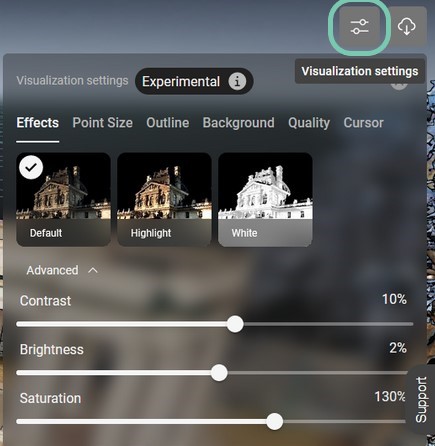
기본 설정 | 자산 표시를 원래 설정으로 설정합니다. | 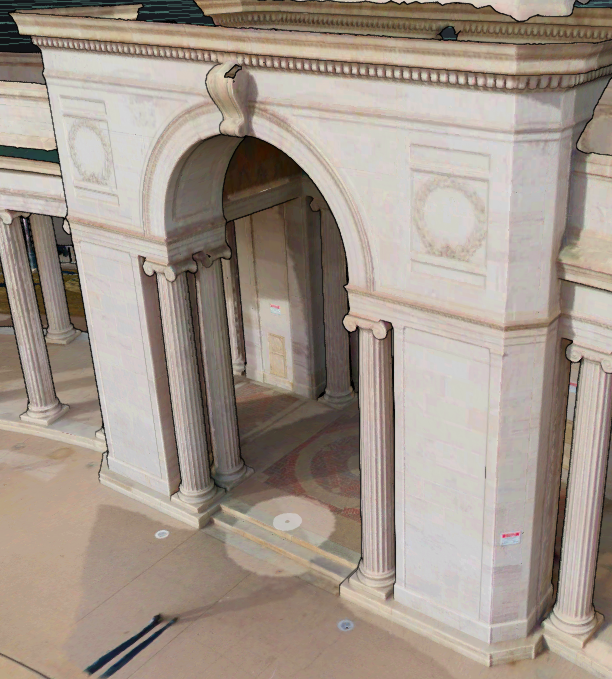 |
하이라이트 | 에셋 디스플레이를 강화된 색상과 조명으로 설정합니다. | 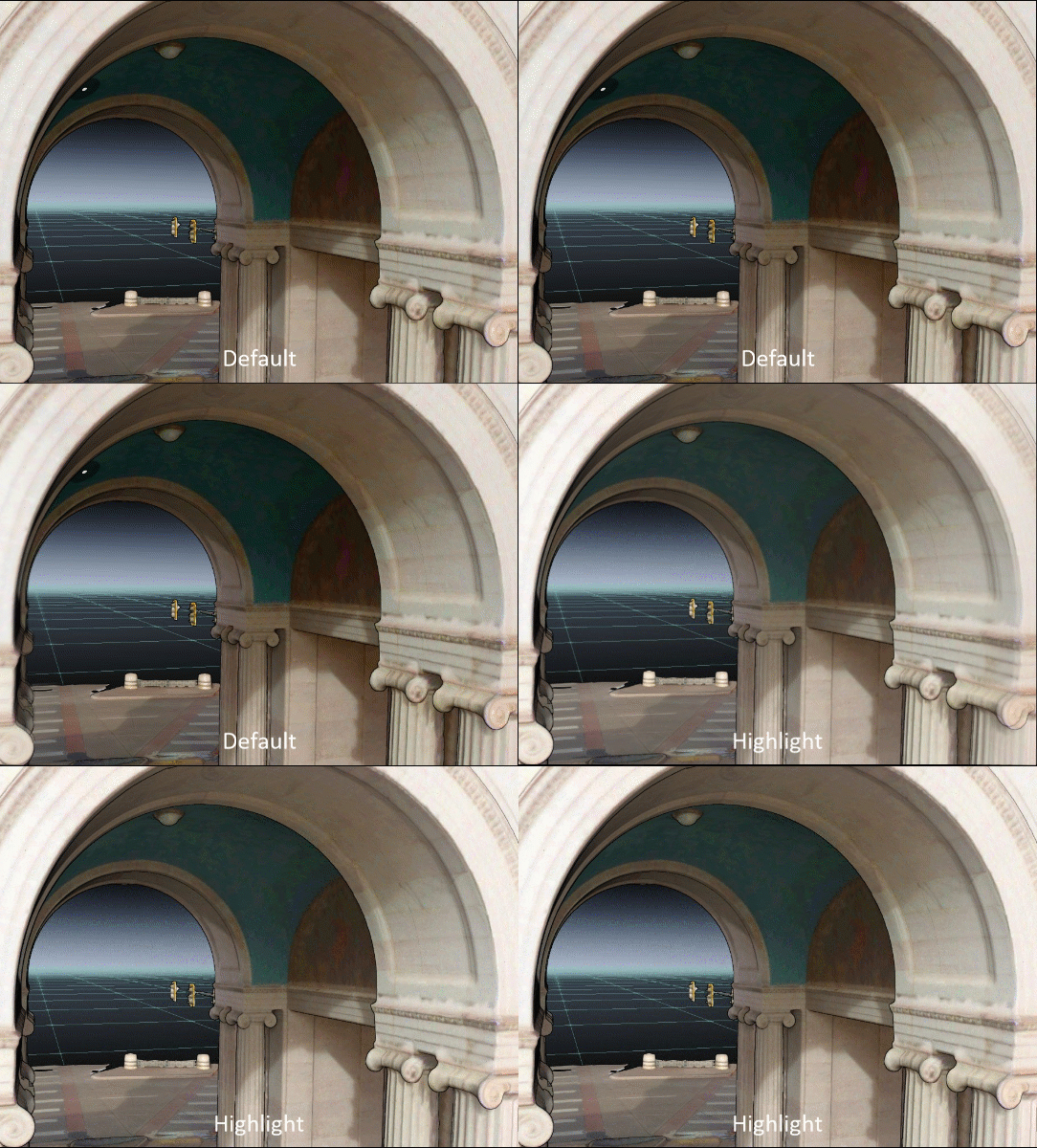 |
화이트 | 자산 색상을 제거하고 완전히 흰색으로 표시합니다 | 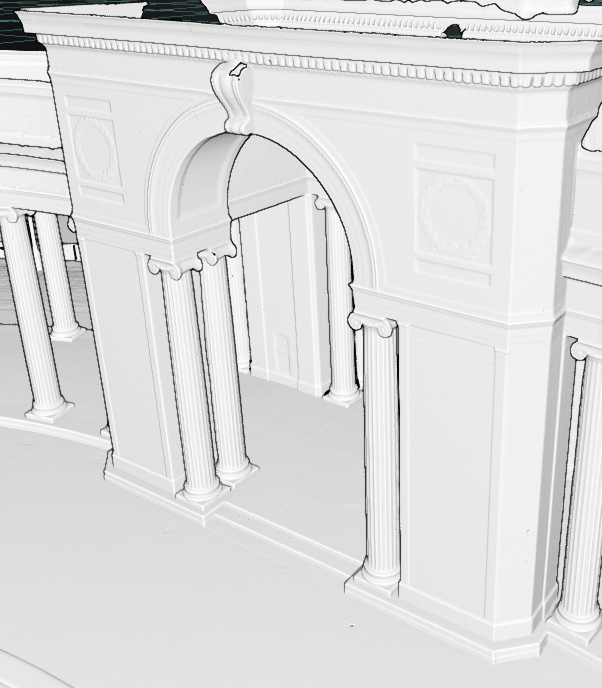 |
고급 설정 | 자산의 개별 값을 수동으로 조절하세요: 대비, 밝기, 채도 | 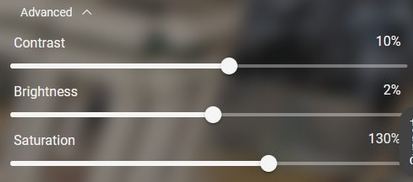 |
효과는 사용자가 포인트 클라우드나 메시의 색상을 빠르게 수정하고 대비, 노출, 채도를 더욱 세밀하게 조정할 수 있게 해줍니다.
기본 설정 | 자산 표시를 원래 설정으로 설정합니다. | |
하이라이트 | 에셋 디스플레이를 강화된 색상과 조명으로 설정합니다. | |
화이트 | 자산 색상을 제거하고 완전히 흰색으로 표시합니다 | |
고급 설정 | 자산의 개별 값을 수동으로 조절하세요: 대비, 밝기, 채도 | |