Summary
PinPoint logs can be collected individually within each module user interface as follows:
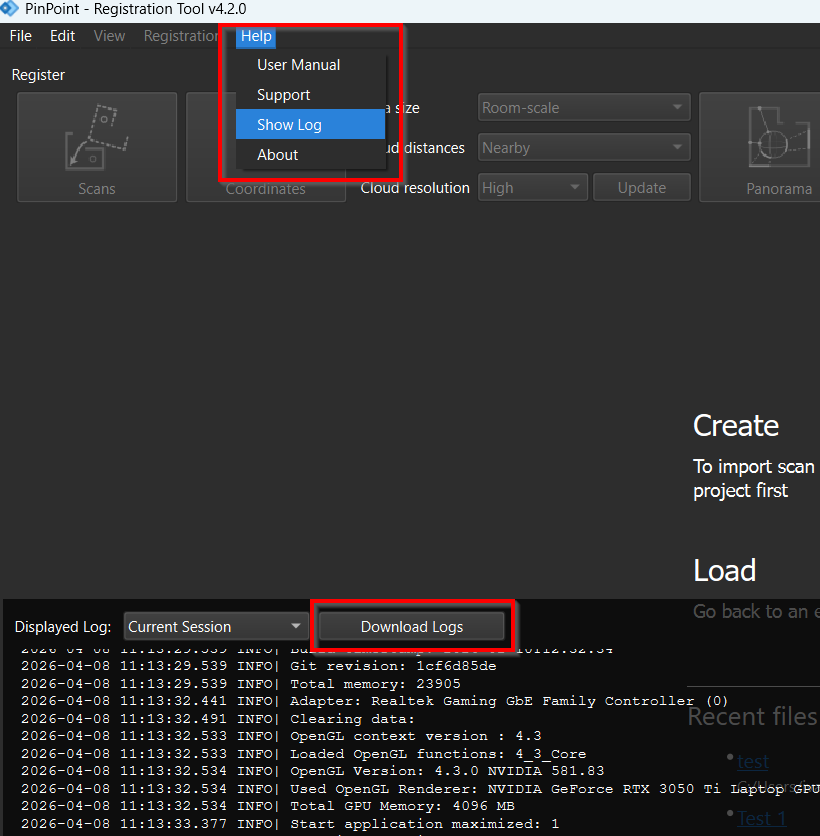
Go to Help | Show Log.
In the logs dialog, click Download Logs and select the storage path. All the session logs will be downloaded into a zip file.
Please share the file with the technical support team.