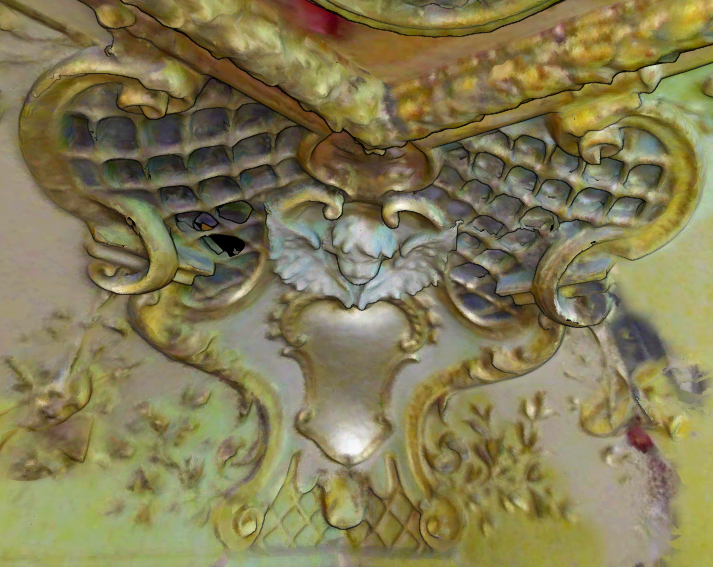
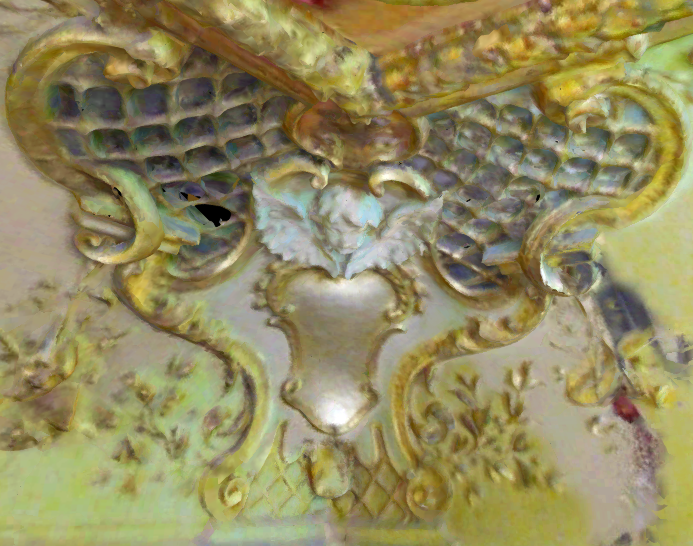
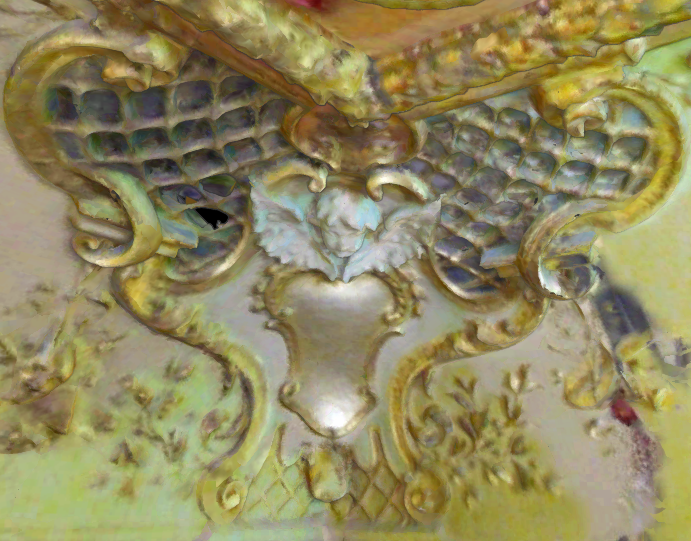
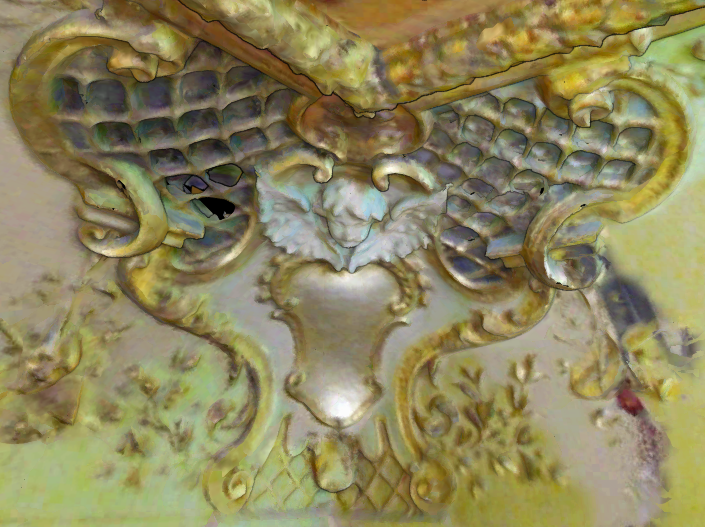
Outline allows the user to control the appearance of the outline of the points or surfaces of a mesh. By default, an outline will be present on points and surfaces and can be removed or adjusted.
Adjusting outline settings can help add dimensionality to the appearance of an asset and draw attention to the edges of objects by creating the illusion of shadows.
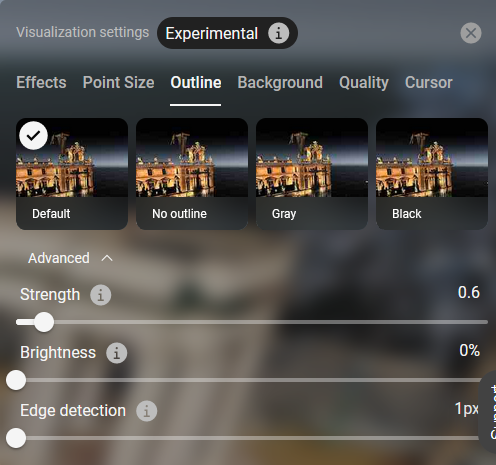
Default | Sets mesh edges to dark (normal) outline with normal contrast |
|
No outline | Removes mesh edges and reduces the contrast. |
|
Gray | Sets mesh edges to gray outline and lightens the contrast. |
|
Black | Sets mesh edges to black outline and darkens the contrast. |
|
Advanced Settings |
| 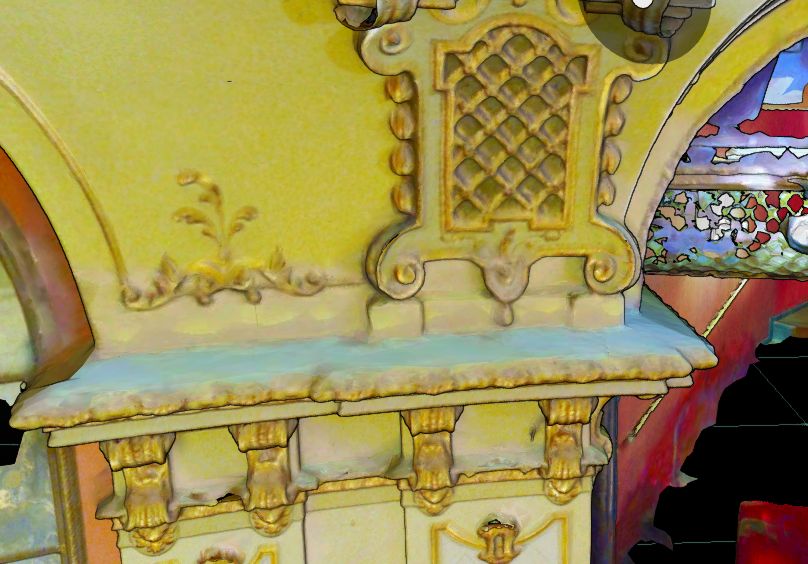 Edge Detection 1px 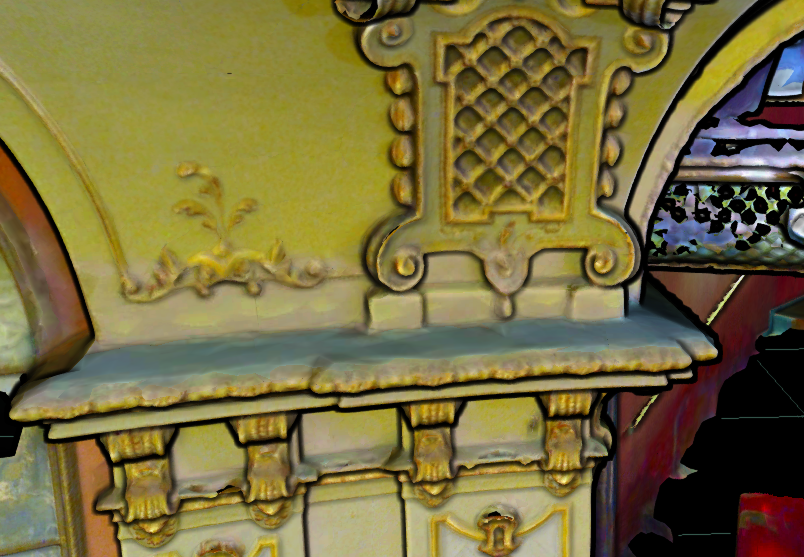 Edge Detection 5px |