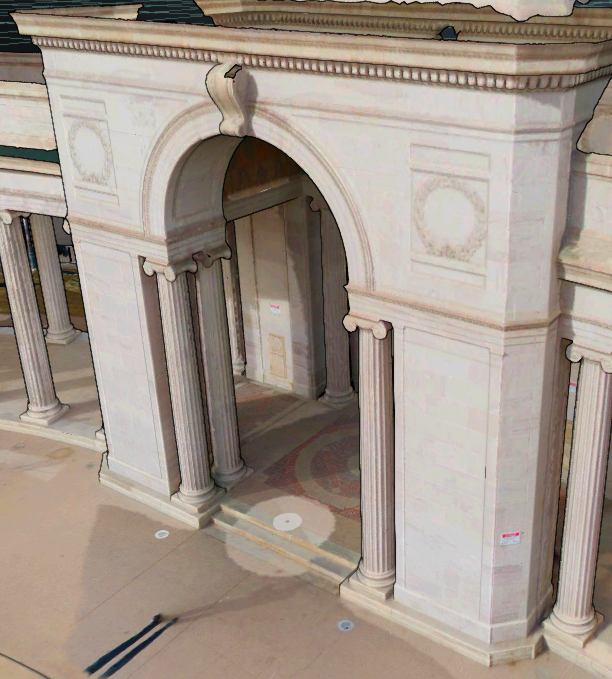
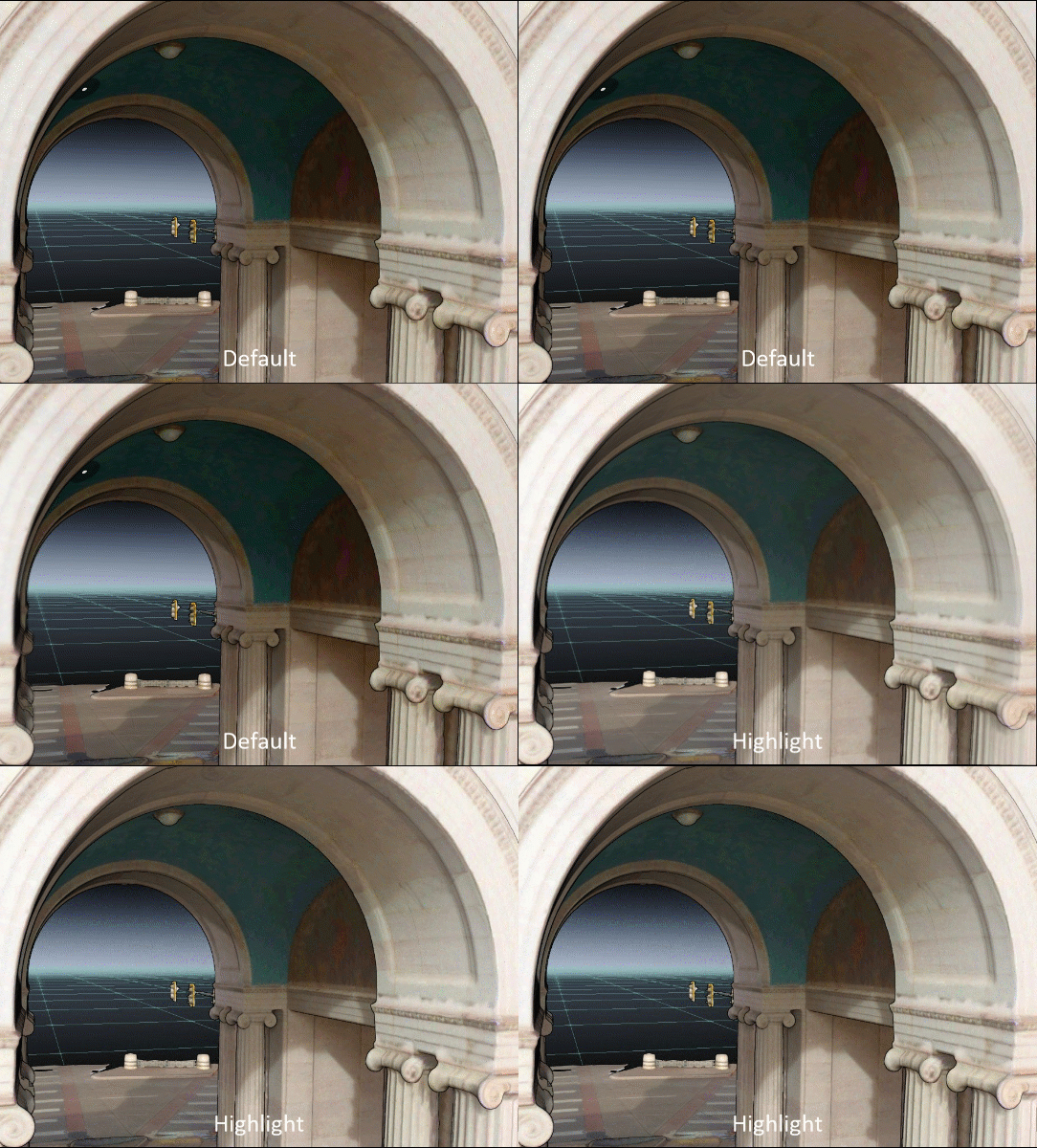
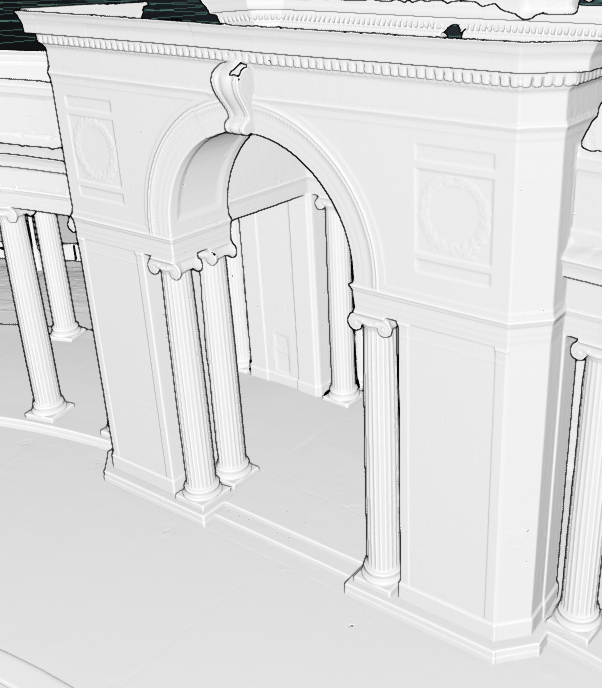
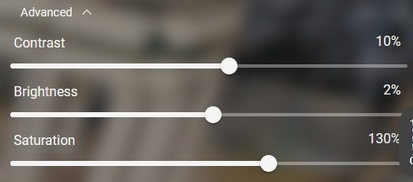
Effects allow the user to quickly modify the coloration of their point cloud or mesh and further finetune the contrast, exposure and saturation.
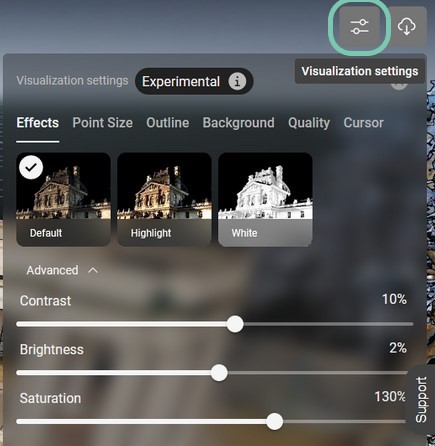
Default | Sets asset display to original settings. |
|
Highlight | Sets asset display to have enhanced color and lighting. |
|
White | Removes asset color and displays as completely white |
|
Advanced Settings | Manually control the assets individual values for: Contrast, Brightness and Saturation |
|