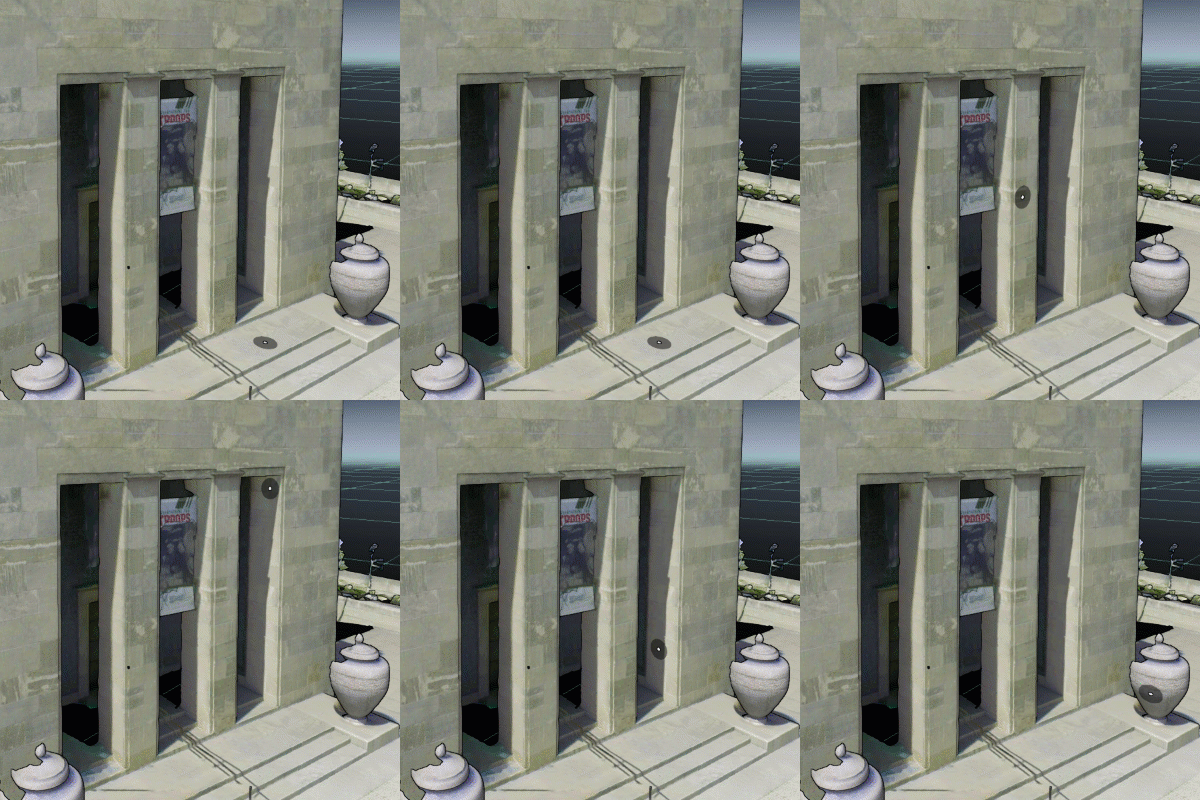
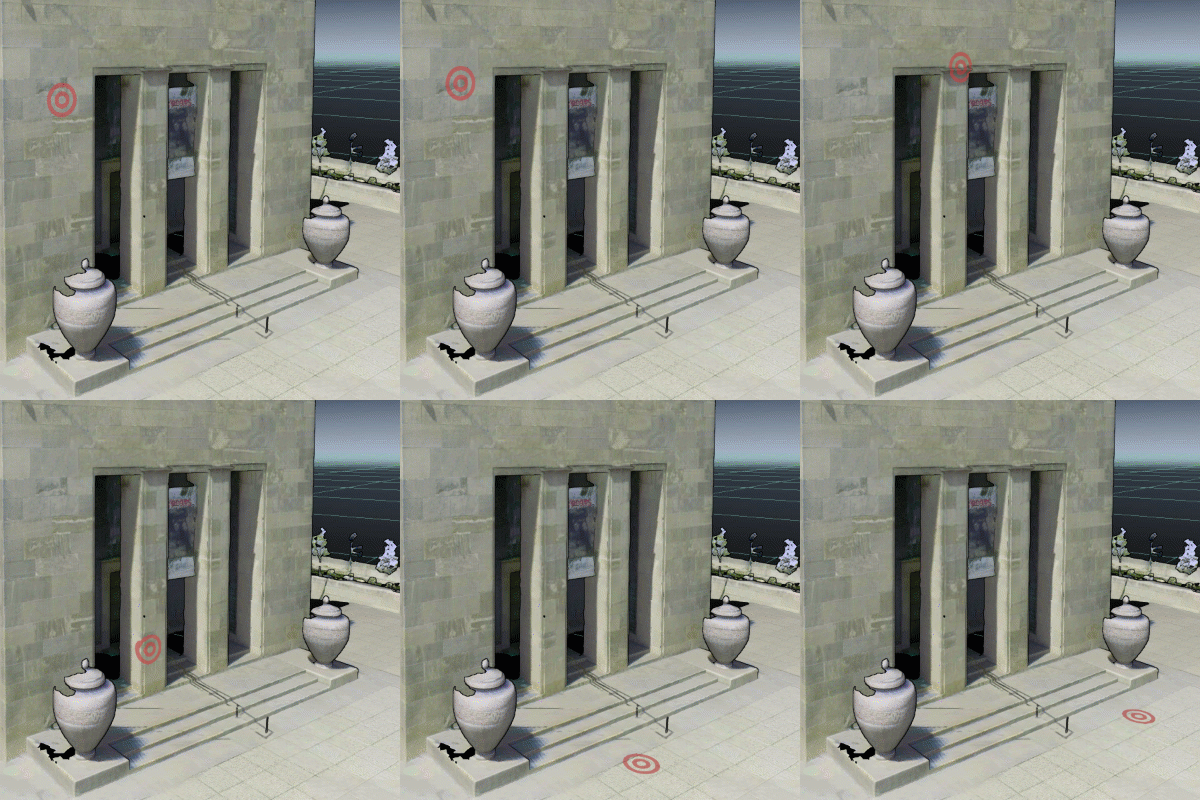
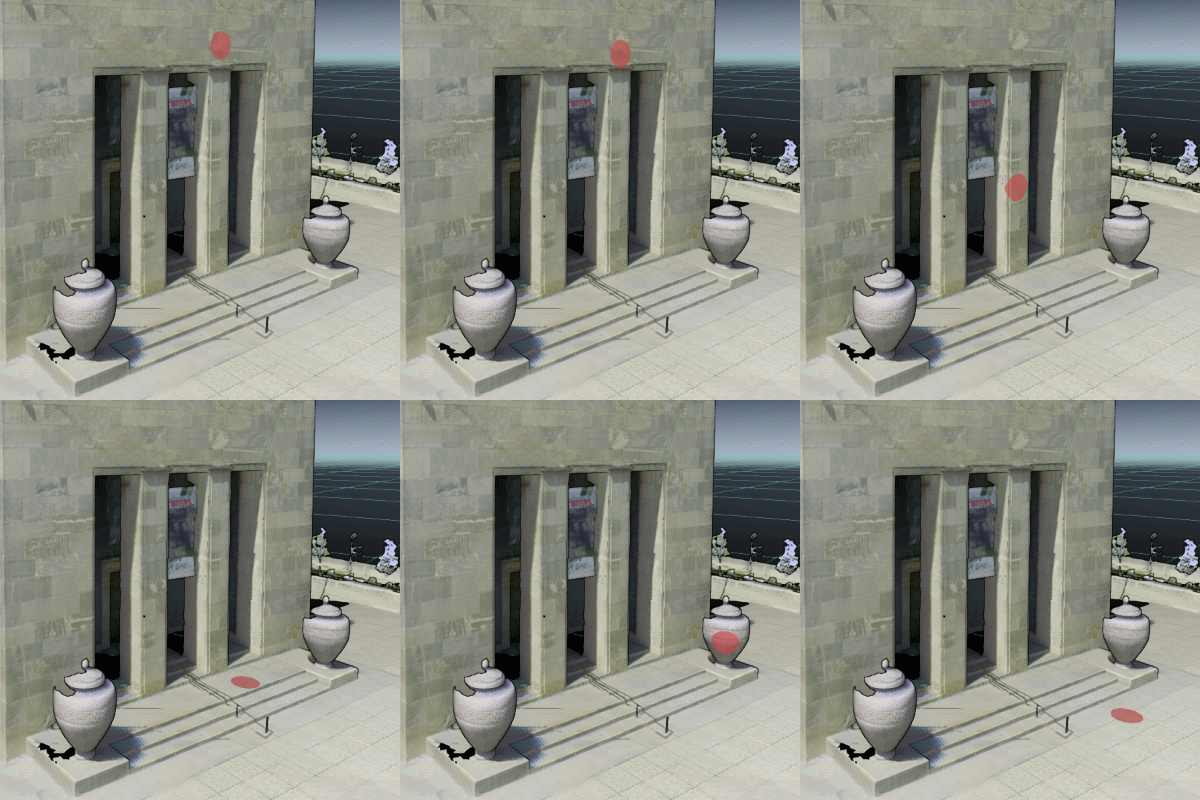
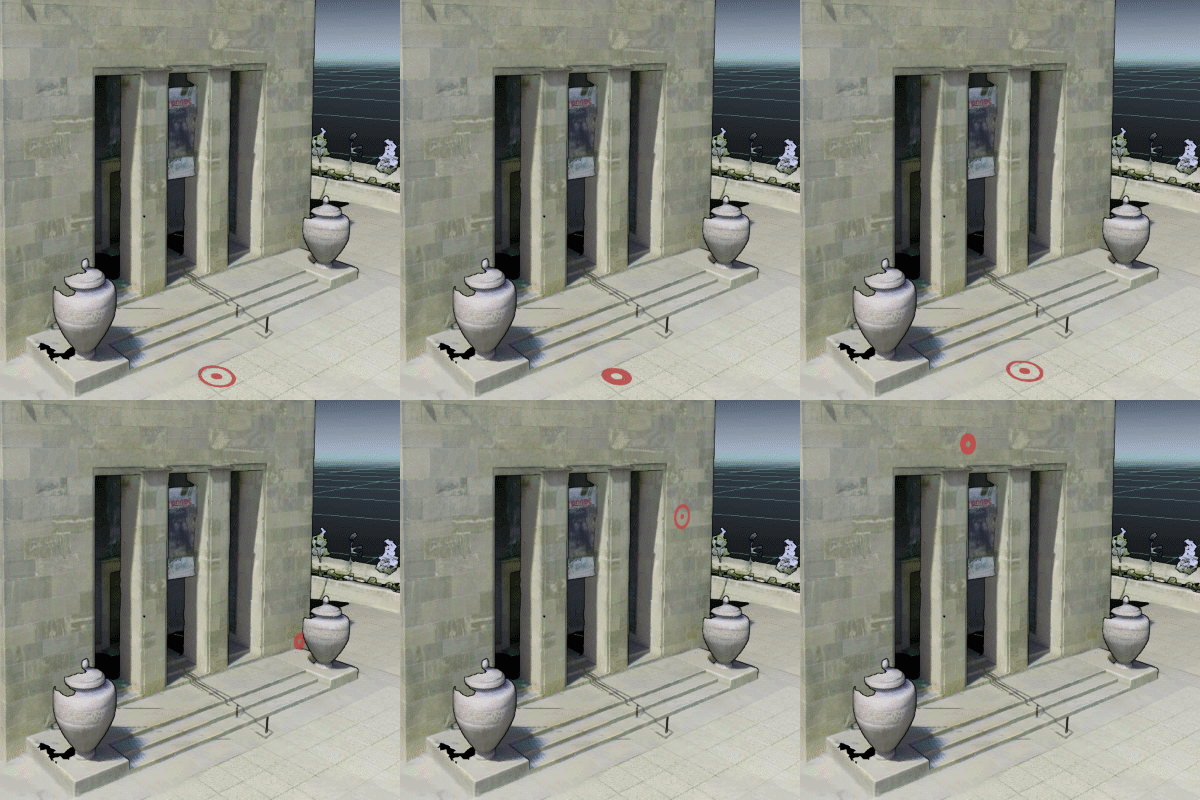
Cursor settings include a number of pre-defined cursor modes.
These may be useful when creating videos or guiding a user around an asset to help highlight areas of interest.
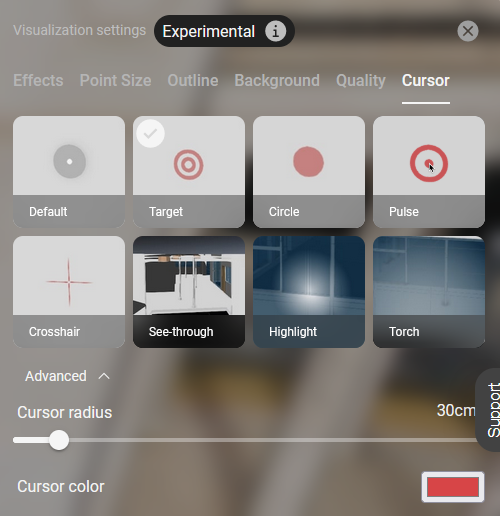
Default | Return cursor to standard settings. |
|
Target | Set cursor to a bullseye target. User can set the cursor radius and color. |
|
Circle | Set cursor to a solid circle. User can set the cursor radius and color. |
|
Pulse | Set cursor to a pulsing circle. User can set the cursor radius and color. |
|
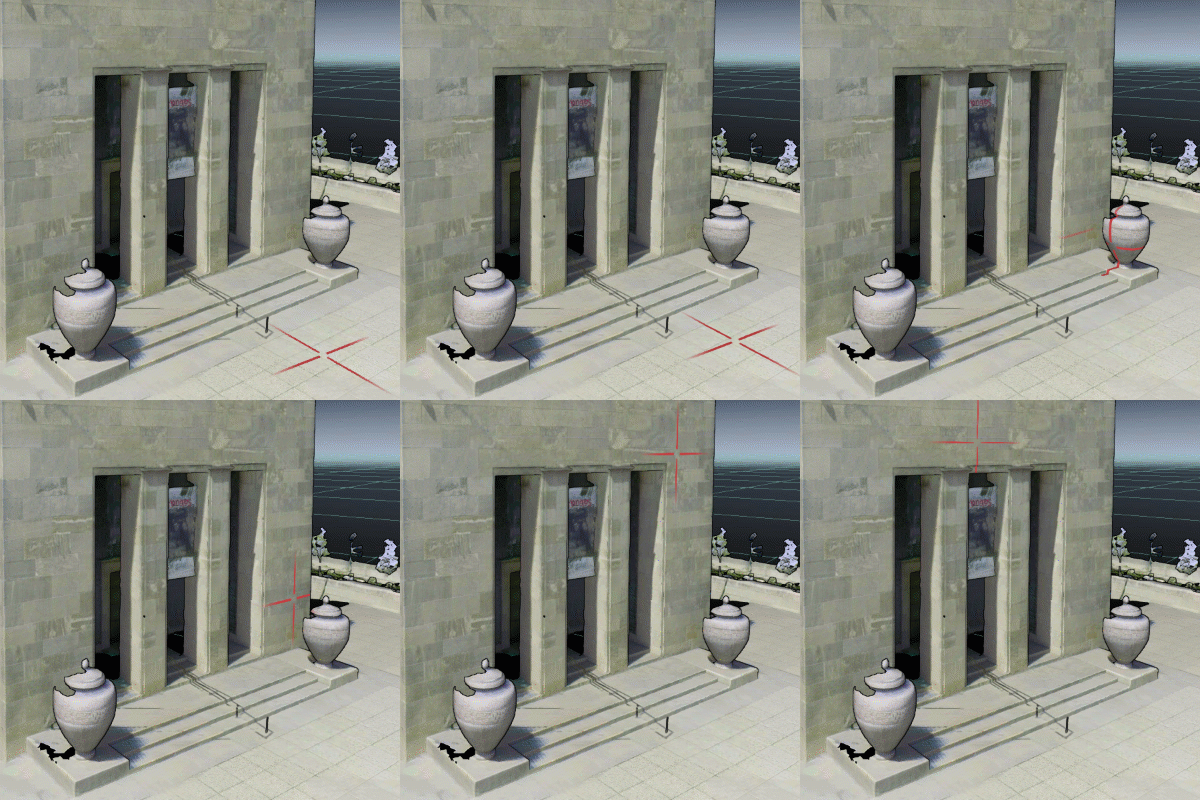
Crosshair | Set cursor to a crosshair. User can set the cursor radius and color. |
|
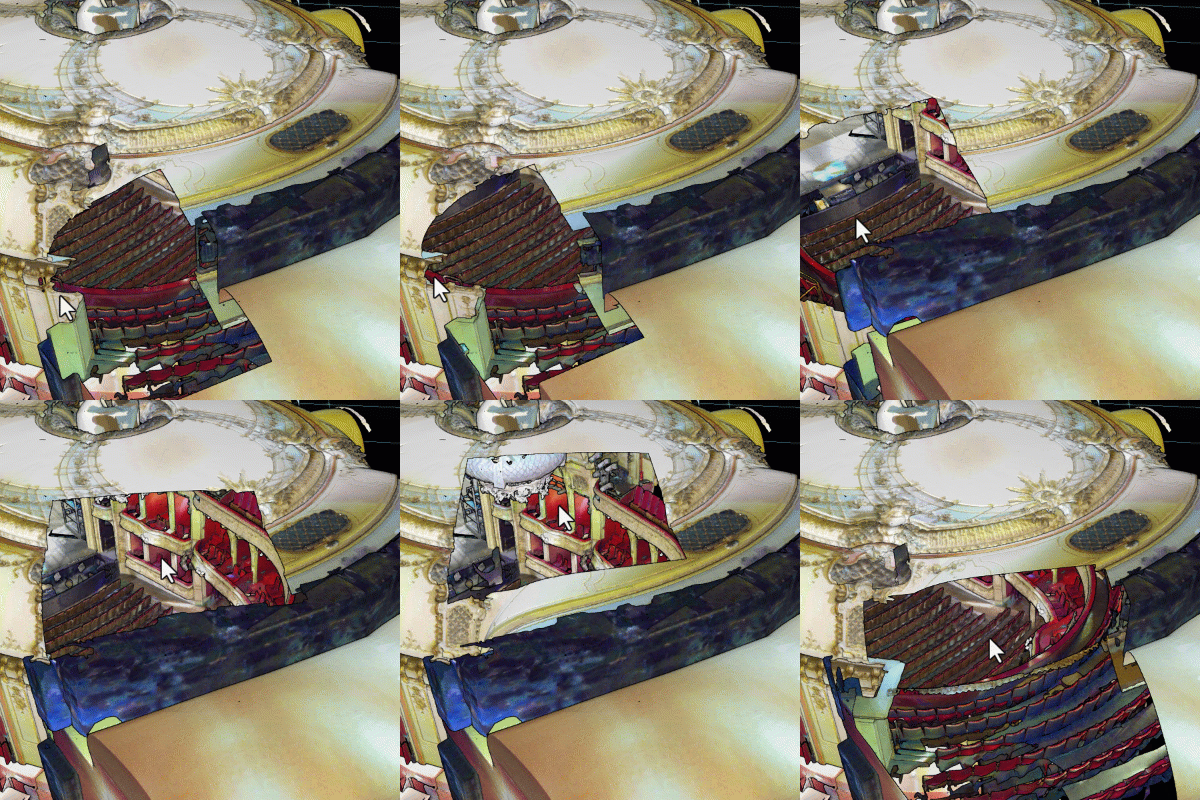
See-through | Set cursor to see through objects (e.g. roof or walls). User can set the cursor radius and color. |
|
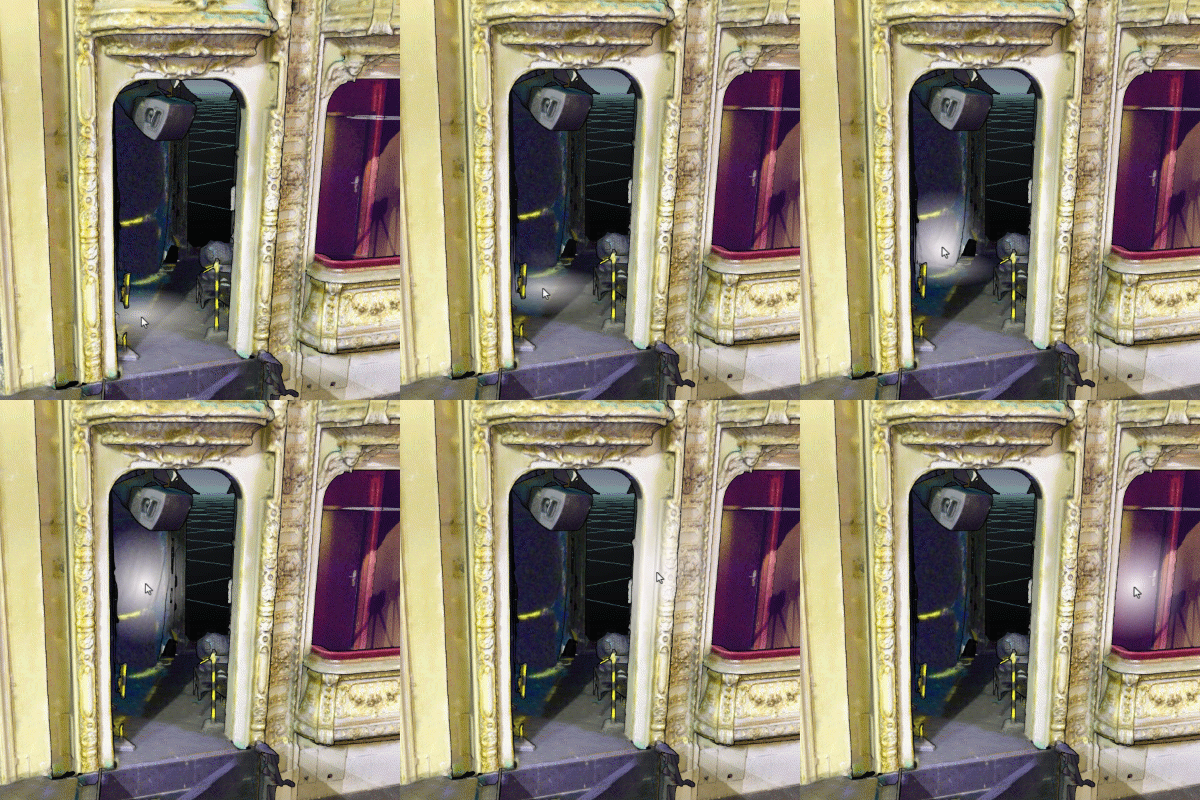
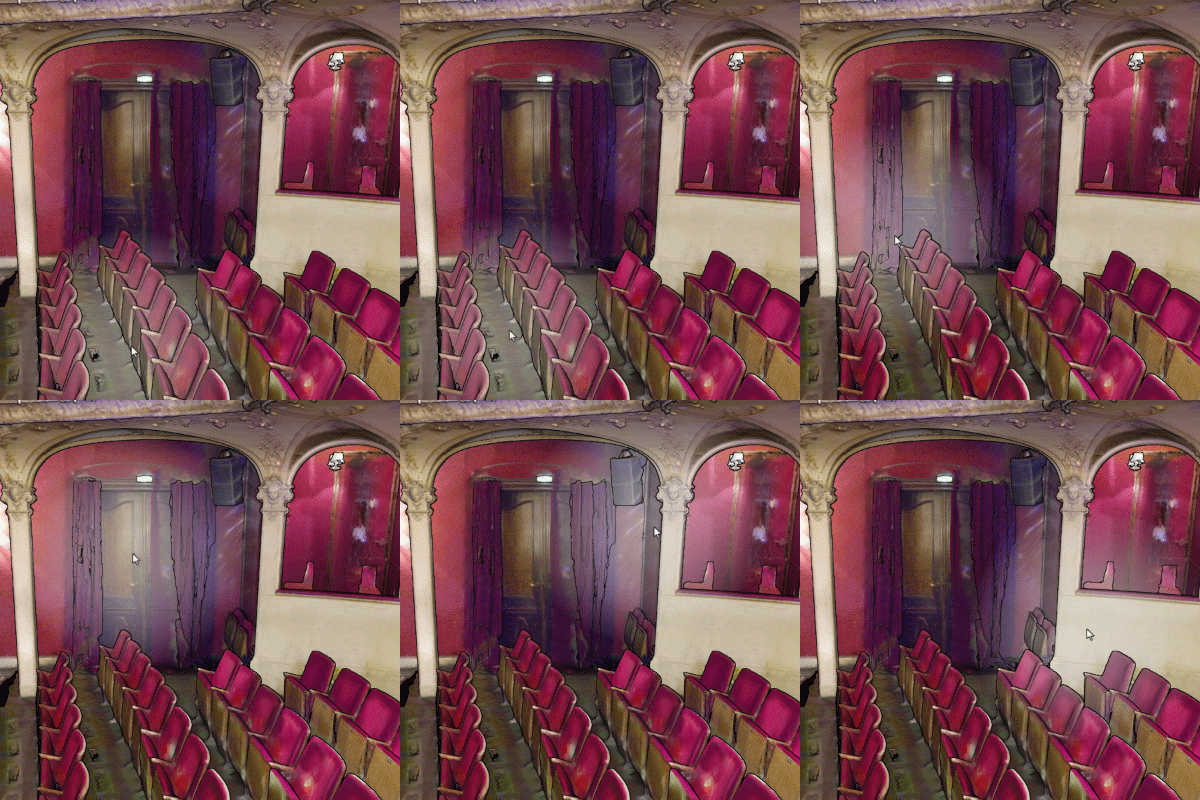
Highlight | Set cursor to a spotlight to emphasize objects. User can set the cursor radius and color. |
|
Torch | Set cursor to a spotlight. Similar to Highlight cursor except radius cannot be changed. |
|