---
title: "TV Opening GeoTag Properties"
slug: "truview-tv-opening-geotag-properties"
updated: 2026-09-07T08:46:33Z
published: 2026-09-07T08:46:33Z
canonical: "rcdocs.leica-geosystems.com/truview-tv-opening-geotag-properties"
---
> ## Documentation Index
> Fetch the complete documentation index at: https://rcdocs.leica-geosystems.com/llms.txt
> Use this file to discover all available pages before exploring further.
# TV Opening GeoTag Properties
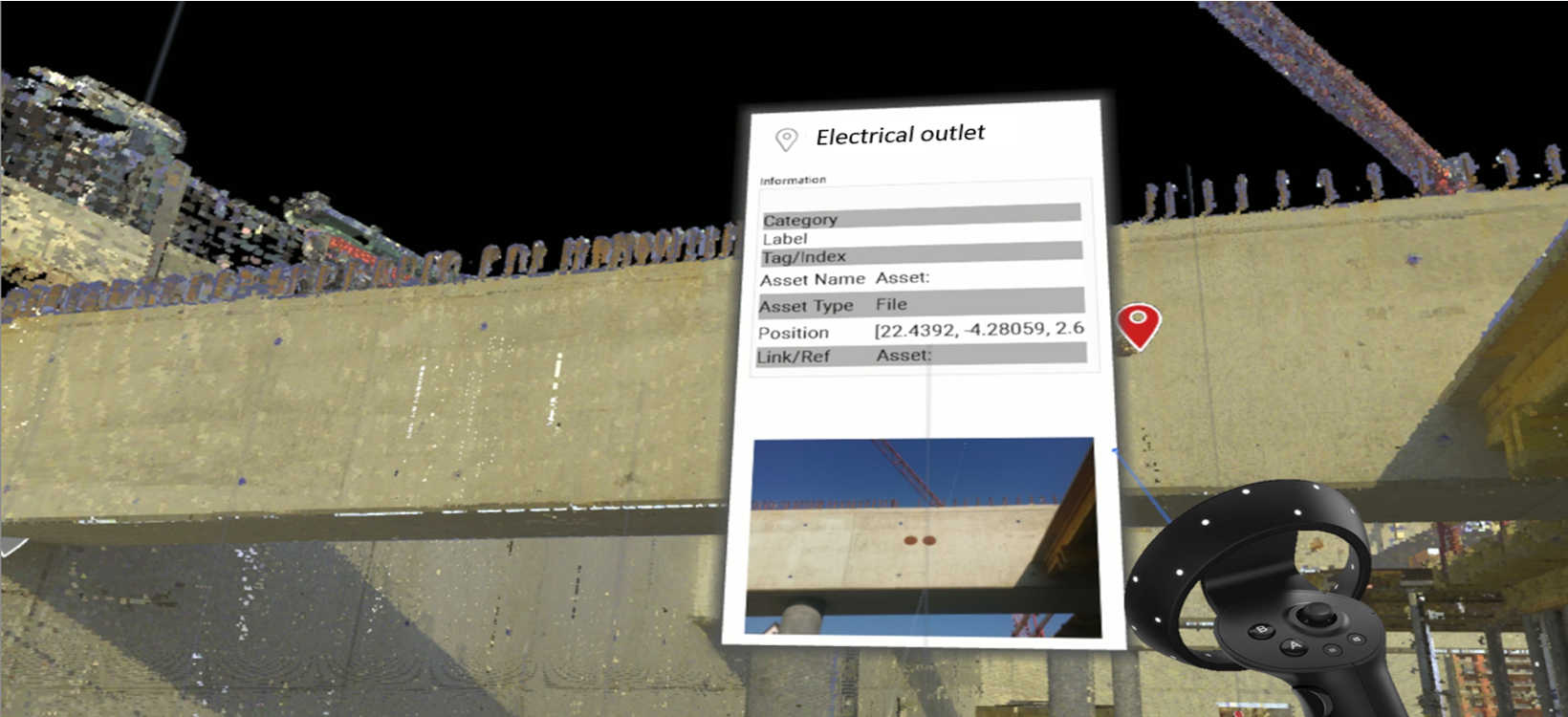
GeoTags can be accessed by hovering over them and pressing the Select Button on the Right Controller. The GeoTag dialog can be closed by clicking on the GeoTag icon again using the Select Button on the Right Controller.