Navigating to a Setup location can be done by hovering over the setup icon then pressing the Select Button on the Right Controller. The state of the setup icon will change to a blue color when hovering over it. Once you navigate to a setup location panos will automatically turn on. They can be turned off using the toggle in the Visibility Toggle menu. They can be turned off permanently using the Show Pano Images option in the Settings Menu.
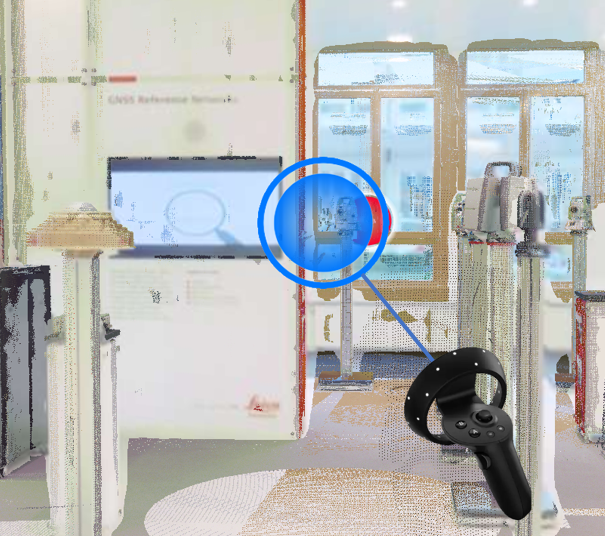
While at a Setup location you will not be able to see other objects in the project such as GeoTags and Setups like in the desktop viewer. In order to see them you will need to move away from the Setup location or turn panos off.