The GeoTag visibility setting will toggle the GeoTag icons on and off.
Left click the GeoTag toggle button to toggle the GeoTag locations on/off.

HotKey: Y
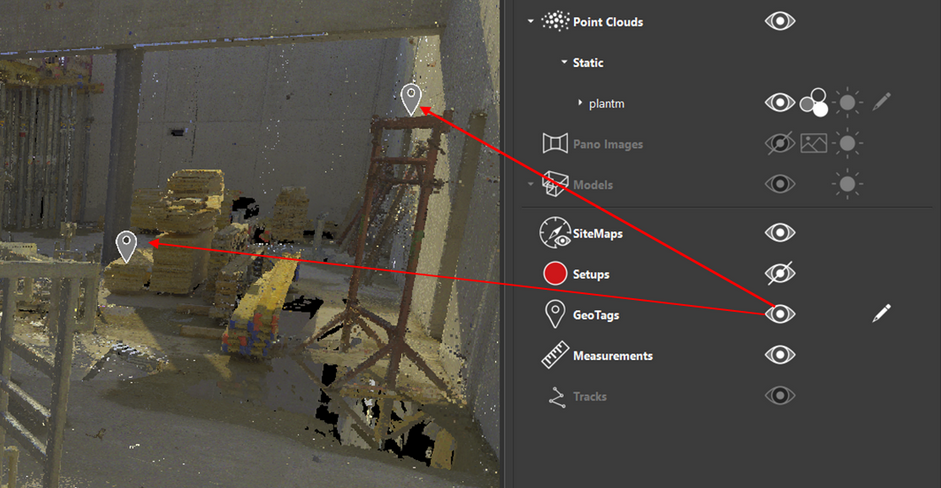
Left click the GeoTag Occlusion button to open the GeoTag Occlusion slider.

The GeoTag occlusion slider controls how a Geotag is drawn when that GeoTag is partially hidden behind something else. The options are:
the GeoTag is drawn partially hidden.
the GeoTag is drawn fully, over-top of whatever was in front of the GeoTag
The control works as follows:
[See Less GeoTags] <----+----> [See More GeoTags]
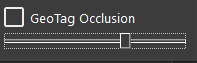
The decision is based on what percentage of the GeoTag is visible vs hidden.